This is what they would post all day, every day. And the world would be a better place for it.
The above was made using Tweetgen, which has one purpose: to create screenshots of fake tweets. I have no real use for this, but love that it exists all the same.
While I dearly love the Firefox browser and think everyone should use it instead of helping Google dominate and bend the web to its will by using Chrome, I did find its built-in spelling checker to be just erratic enough in reliability that I began searching for alternatives. One of the weird things the built-in spelling checker would randomly do is start flagging every word as wrong, so you’d get paragraphs of words with squiggly red underlines beneath them. For someone who likes to keep things (relatively) tidy, it drove me batty.
In recent years, grammar/style checkers have come into vogue, with all of them pretty much following the same model:
Plugins for all major browsers
Basic features like spelling checker free to use
Premium features like style checking requiring a subscription
Subscription prices being on the edge of “lol no” territory
I tried Grammarly, which is easily the best-promoted of the bunch, and ProWritingAid. Both were fine but not quite right for various niggling reasons that I’ve since forgotten. Maybe they nagged too often to upgrade to the subscription or something.
Another one I tried is the plain-named LanguageTool, which sounds more like a description of the software before it gets a spicy, memorable name. All I needed was a good spelling checker and it works very well at this part. Better yet for me, it works with a single left-click on the word and presents a very nice-looking pop-up with the correct spelling ready to be clicked on pretty much every time. Yay. Now, LT (as I call it, now that we’ve established a relationship), also offers basic grammar checking for free, so I’ve left it on, figuring it couldn’t hurt, could it? Depending on who you ask, it can, actually! See the video Grammarly is Garbage, and Here’s Why as just one example (I’m not picking on Grammarly specifically, this is just the most recent video of its type that I’ve seen).
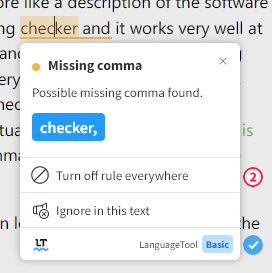
What I have discovered about LT’s grammar checker is this: It is madly in love with commas, as seen in the screenshot below.
Its comma rule can be summed up as:
If you use the word 'and' it must be preceded by a comma OR THE WORLD AS WE KNOW IT MAY END
In some cases it’s right, in others it’s weird and in a few, it’s flat-out wrong, like this one, which demands a comma be added after ‘pretty’:
Adding a comma after ‘pretty’ would seem to make sense, because ‘it’s pretty’ is a complete, if short, thought. But in the context of the sentence it’s a silly suggestion because the sentence is so short, no one is going to get confused by not having a pause after ‘pretty’ and wonder what the heck is going on.
Now, I do have the option to Turn off rule everywhere (see screenshot below), which would presumably eliminate it flagging missing commas even when sentences are crying out desperately for them. And part of me really wants to do that. But commas are also kind of my bane, and I do often leave them out when they should be in–or sprinkle them too liberally. Basically, commas make me crazy. So the rule stays. For now.
In conclusion, is Esperanto better than English? Should we all be switching to it? Practice our telepathy for better, clearer communication? Lobby the grammar authorities to just eliminate the comma entirely? So many options.
Also, apologies for my whimsical use/misuse of double and single quotation marks. LanguageTool doesn’t flag those.
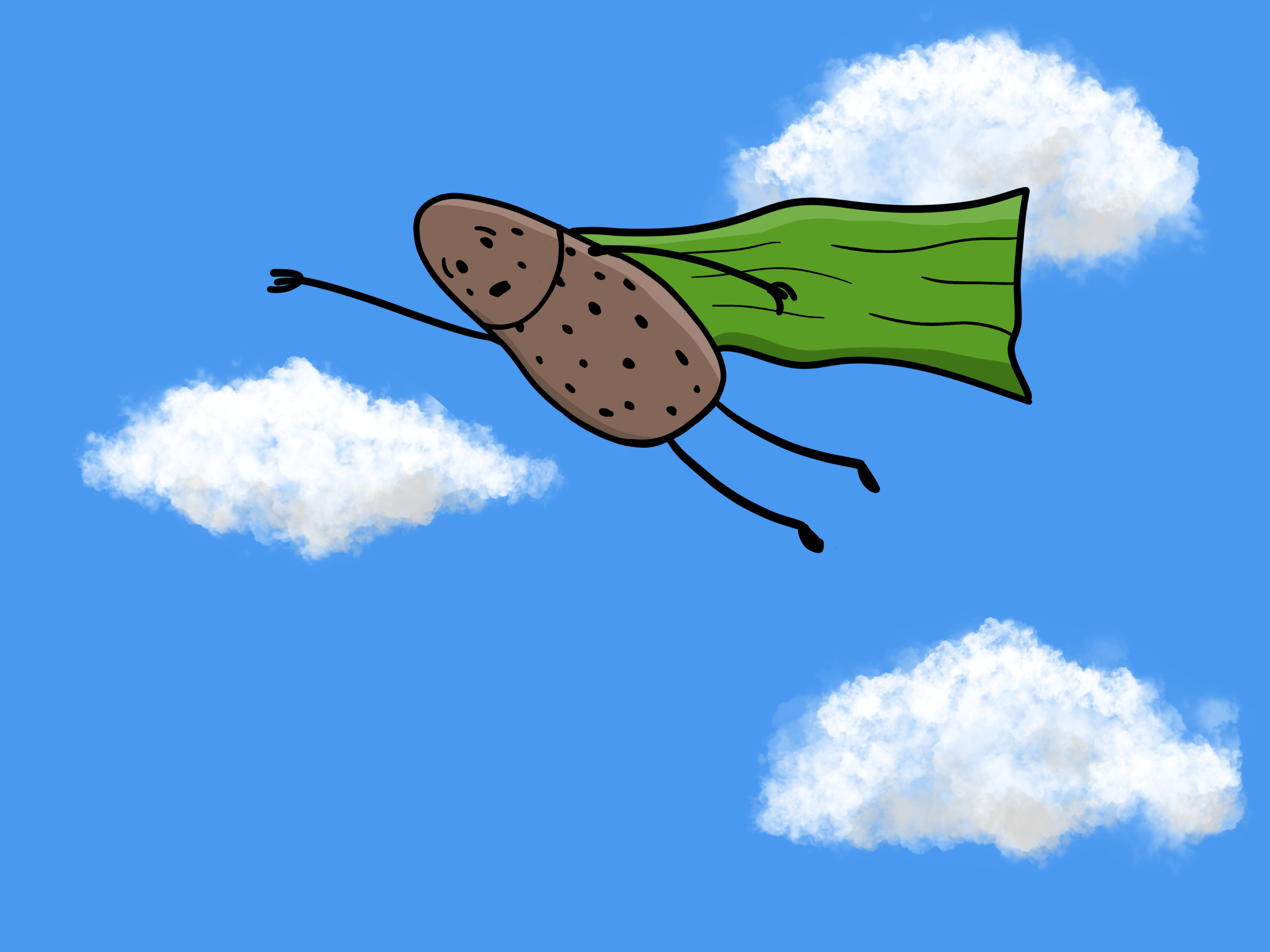
Perpetually worried he may spot a crime in progress.
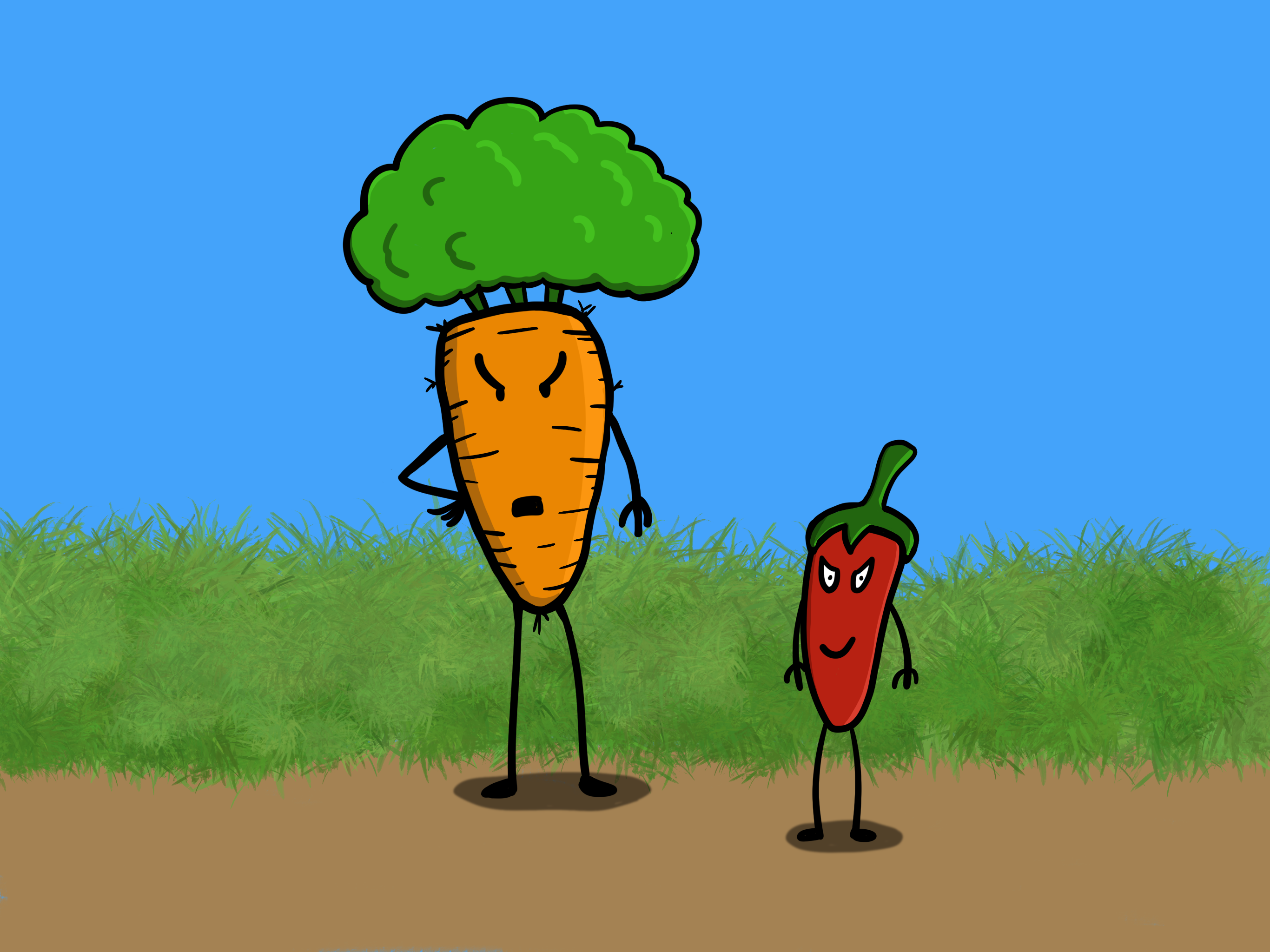
Angry Carrot and his henchpepper:
Still figuring out shadows and shading.
Looking at Angry Carrot now, I think the body lines may be too thick. I’ll try them thinner next time. Overall, I’m pleased with how these turned out, considering how little I’ve been drawing lately. I shall draw more.
I started doing the #makingarteveryday prompts again in January, but took a bit of a break when I was spending a lot of time on art for game projects. By the time I was ready to come back, I found that the prompts had gone off in a wacky new direction, with some kind of journal thing (see here for details). I think this is great and shows some real creativity (and hard work) on the part of Lisa Bardot–but it’s just not what I want to do right now.
And so I have resumed my DDP1Daily Drawing Prompt quest once again. As you may or may not know, certain commercial interests have basically turned any web search for “best of” lists into a blasted, apocalyptic wasteland of sites designed only for SEO and serving ads to you, in the same way Homer was served donuts in Hell. Except if Homer didn’t ironically turn out to enjoy it.
For reference
Trying to find a decent prompt site can be challenging.
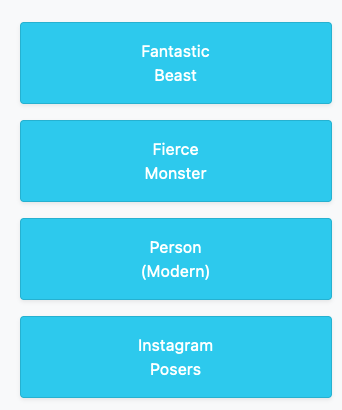
There is a site not surprisingly registered to drawingprompt.com. This is what I first saw:
And now I have the image of a Toast Human stuck in my head.
Which might not make for a bad prompt, really.
The site has you click on subjects to generate prompts. It’s like a game where everyone wins or something.
(I don’t know what an Instagram Posers prompt would look like. I’m not sure if I want to know.)
I’ve checked a few other sites and there’s always the weekly Inktober prompts, though weekly is not daily, unless I just draw a tiny bit of the prompt every day over the course of a week. I could always just come up with my own prompts (my brain hurts just having typed that out), or devise a method for generating random prompts, which feels like work and is therefore yuck.
I’m going to give myself a deadline to come up with a plan. That deadline will be:
Sunday, March 20, 2022
This is also the first day of spring, so a good time for fresh commitments!
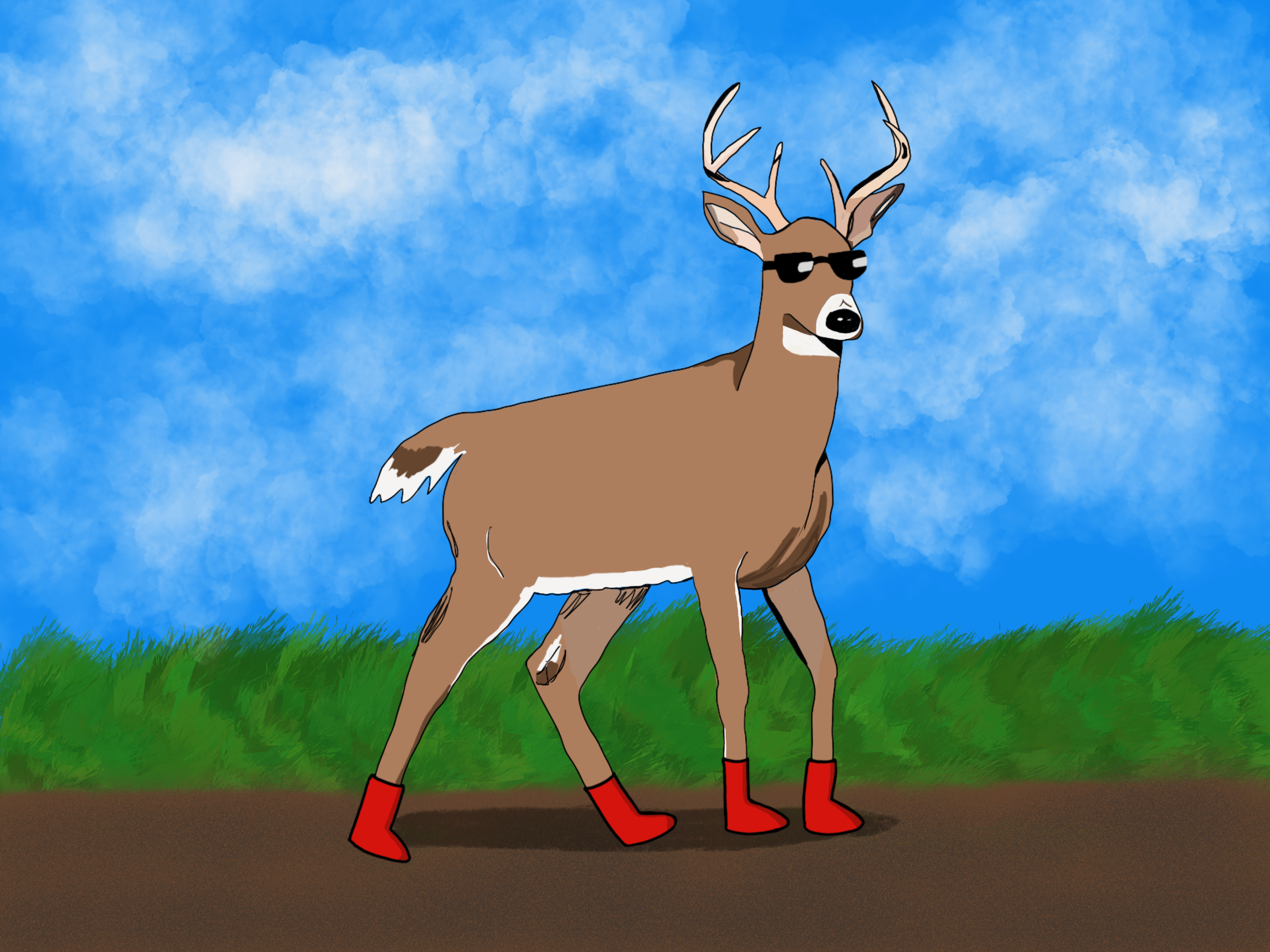
After being generally displeased with the fox, I wasn’t sure where to go with the deer. I found a reference photo, then traced it using the Technical Pen brush to get a rough shape. I pondered.
Then I added red boots and sunglasses. Why? I don’t know. I also colored the deer using the same brush, using swatches of flat color, almost like you would with a coloring book. I kind of like the way it turned out. It’s different.
I still need to work on ground shadows, though.
#makingarteveryday
#makingarteveryday2022

Tools used:
- iPad Pro 12.9"
- Procreate
- Apple Pencil

Making Art Everyday 2022 prompts
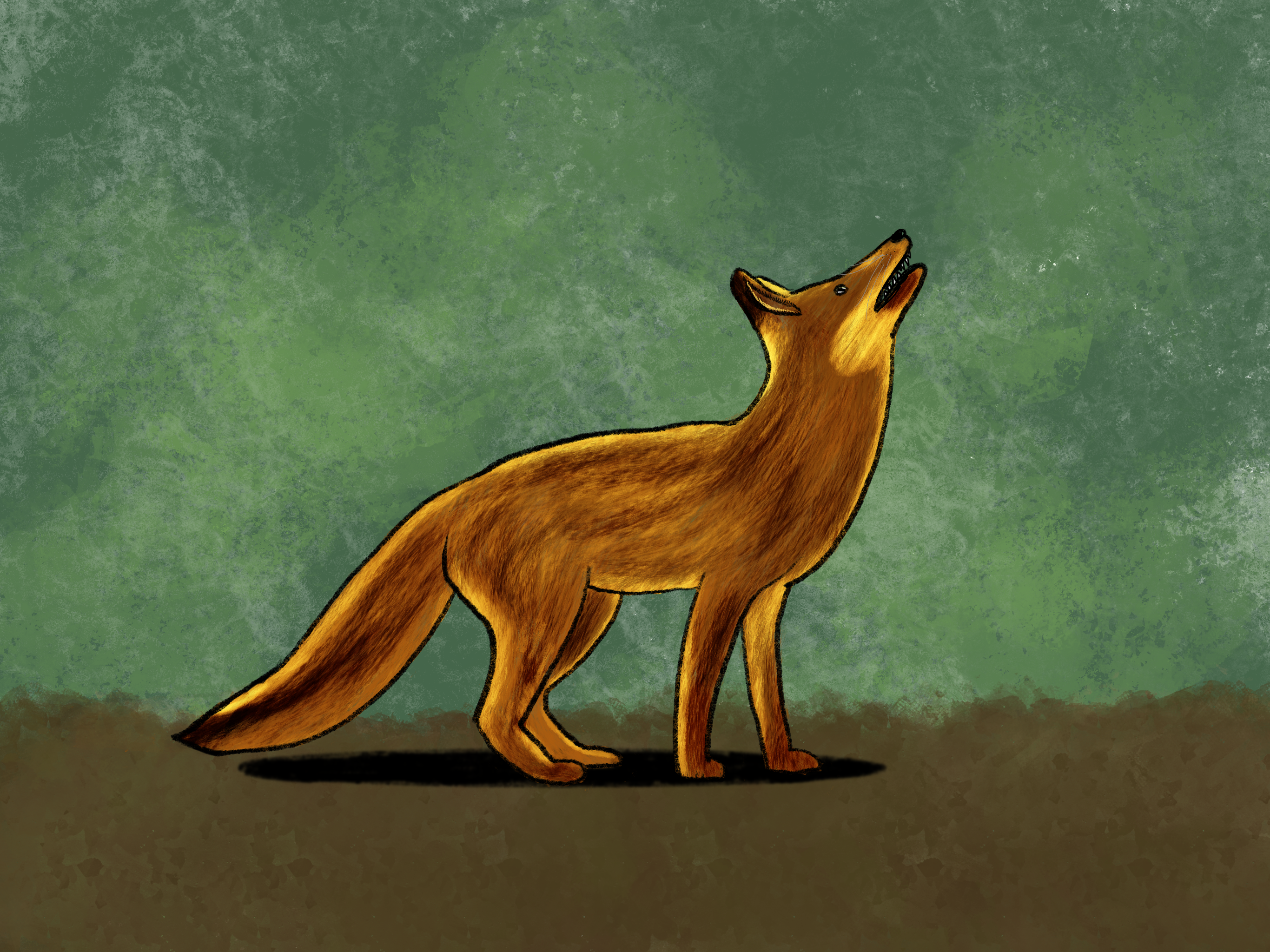
Using reference and the Bardot Brush Fur ‘n Fluff brush set. I am not a fan of the shading, but didn’t want to sink too much time into it. I think I’d go for a cartoon fox next time. Maybe one on fire. A firefox, if you will.
#makingarteveryday
#makingarteveryday2022

Tools used:
- iPad Pro 12.9"
- Procreate
- Apple Pencil

Making Art Everyday 2022 prompts
February is animals and first up is a repeat, bear. This time I riffed on the tutorial bear on the MAE site, though I didn’t follow the actual tutorial itself.
I call him Mr. Liefeld, for obvious reasons.
#makingarteveryday
#makingarteveryday2022

Tools used:
- iPad Pro 12.9"
- Procreate
- Apple Pencil

Making Art Everyday 2022 prompts
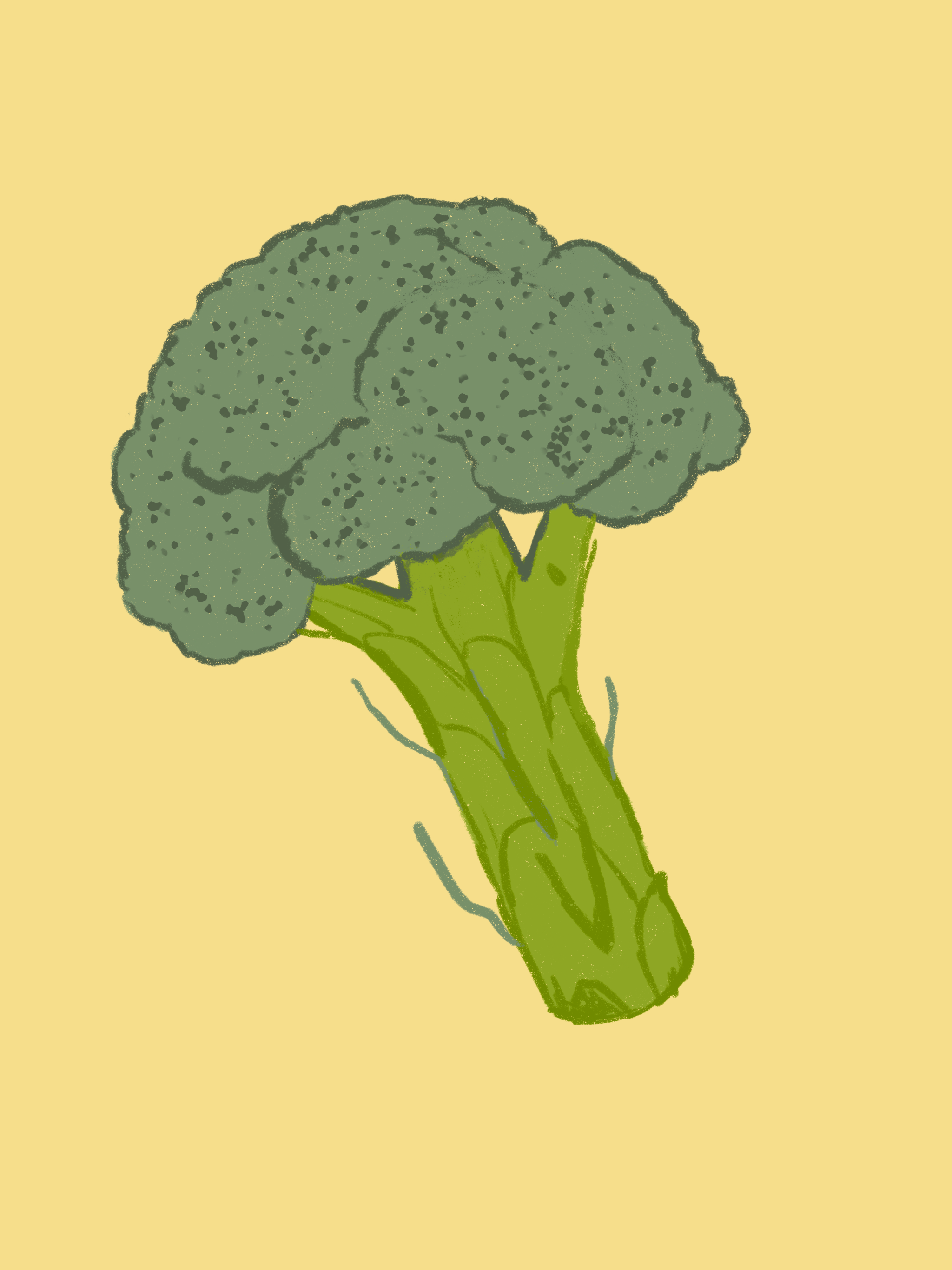
My favorite dessert is probably ice cream, but I already did that, so I went with broccoli. Who doesn’t love a little broccoli after a home-cooked meal?
(I actually do like broccoli.)
#makingarteveryday
#makingarteveryday2022

Tools used:
- iPad Pro 12.9"
- Procreate
- Apple Pencil

Making Art Everyday 2022 prompts
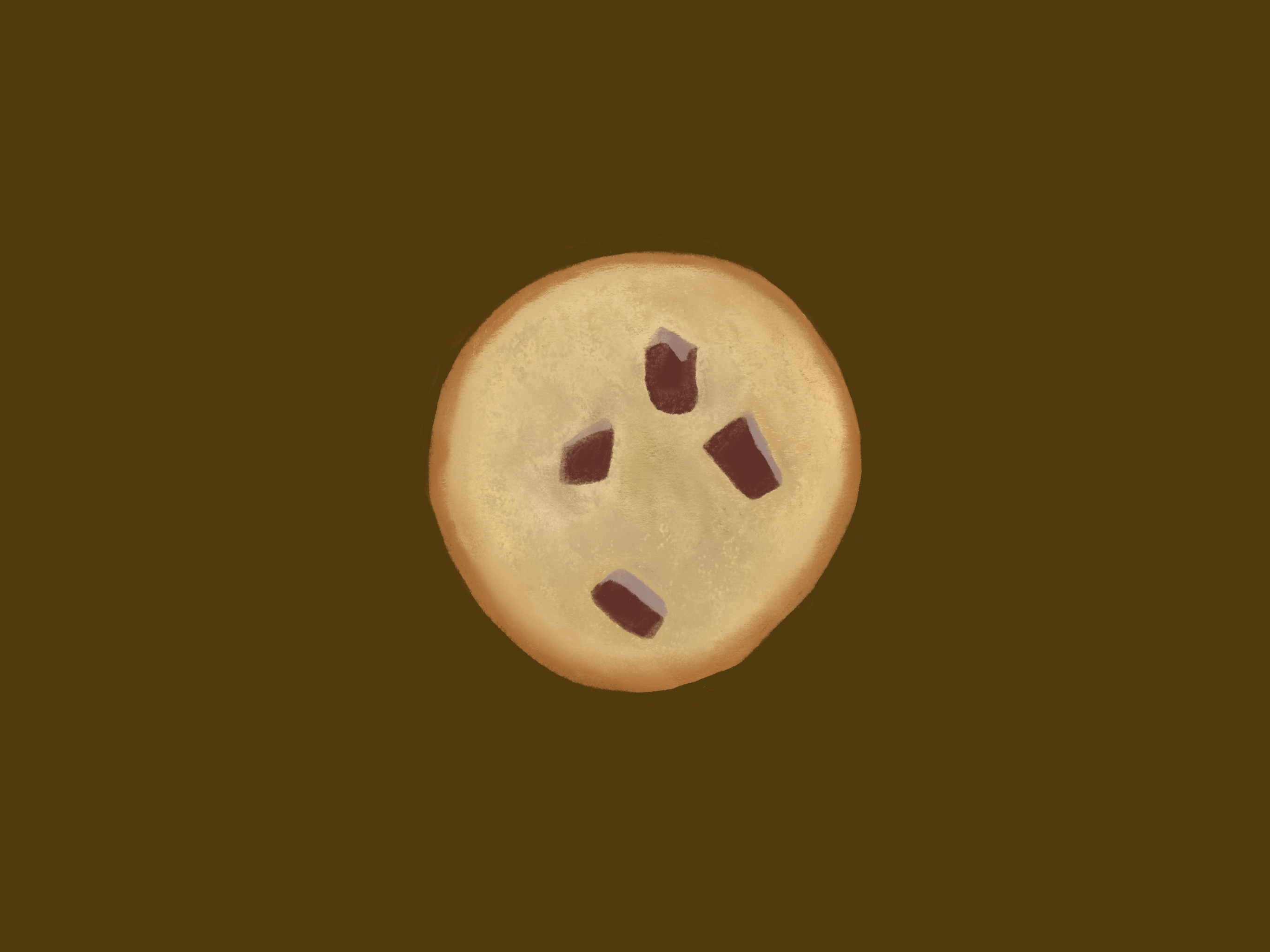
I love cookies, but hate drawing them. This remains true as I do this prompt for a second year in a row. It’s maybe a little better than last year’s? In a chocolate brown void.
#makingarteveryday
#makingarteveryday2022

Tools used:
- iPad Pro 12.9"
- Procreate
- Apple Pencil

Making Art Everyday 2022 prompts
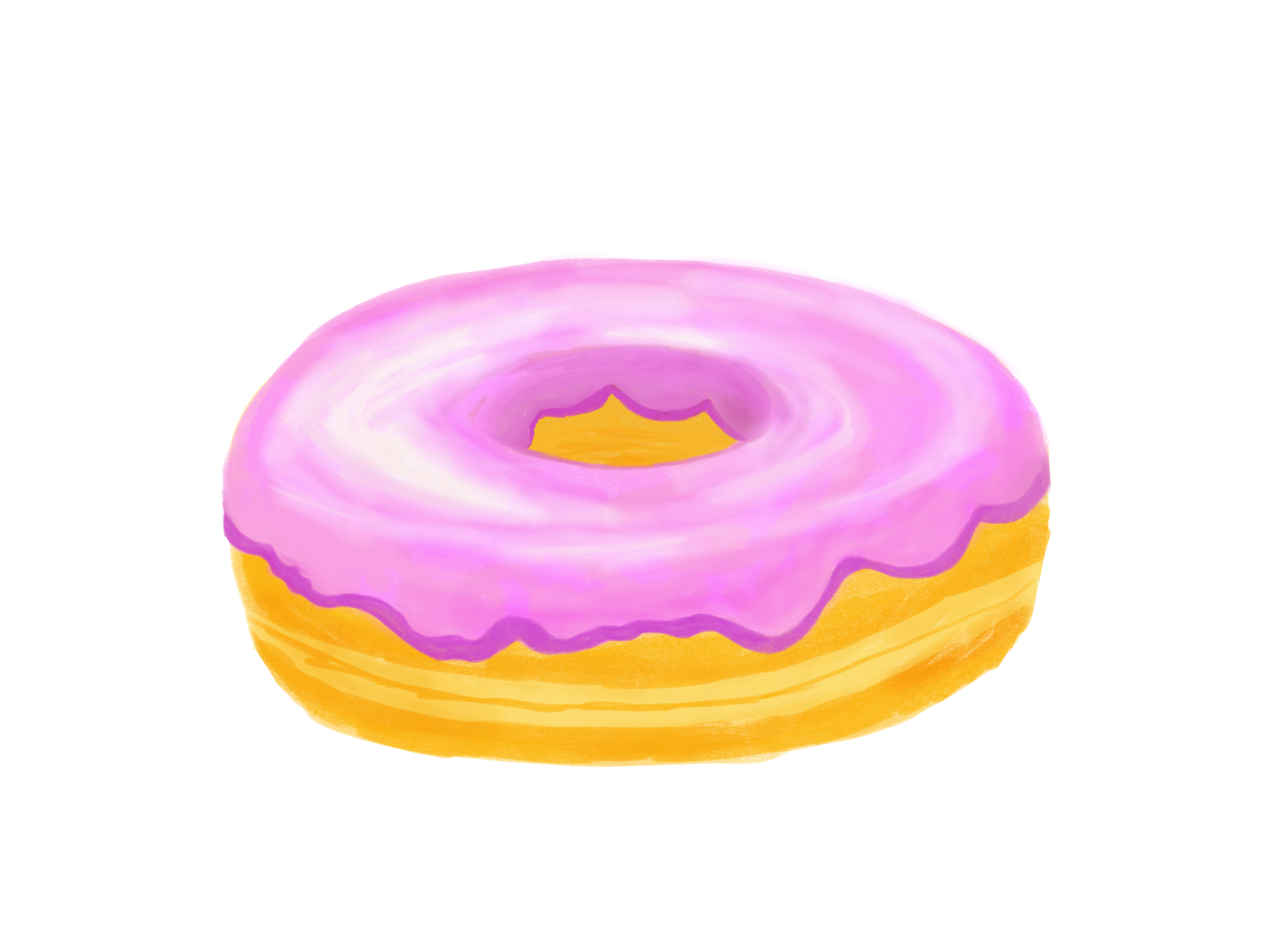
Bardot Brush has a one-hour tutorial on how to draw a donut using her Gouache brush set, but I didn’t have the patience to sit through it, so I just used the final image as reference and whipped up my best attempt at duplicating the donut.
It’s not bad, all things considered. As I’m catching up on prompts, I’m in minimalist background mode or, in this case, no background at all.
#makingarteveryday
#makingarteveryday2022

Tools used:
- iPad Pro 12.9"
- Procreate
- Apple Pencil

Making Art Everyday 2022 prompts