Linux misadventures, Part Whatever: Back to Mint (temporarily?)

After installing the new internal SSD, I decided to nuke my install of Pop!_OS before really giving it much chance, despite the fact that it actually ran PowerWash Simulator in Steam without any issues, something I could never get to work in Mint.

Instead, I re-installed Mint and so far it’s been working fine. I feel like Mint offers more customization, or at least makes it more obvious and visible than Pop!_OS and I likes me some customization. There were a few things I’d apparently forgotten from last time, though. A few observations on Linux Mint 22:

  • Signal has to be installed by running three separate terminal commands. I’m surprised there is no flatpack or AppImage for it. Maybe a security thing? UPDATE: I misremembered from my earlier Mint installation. There was an unofficial flatpack, but in Mint 22 only authorized flatpacks will show in the software manager by default.
  • I still don’t like the look of the app icons. It gives me Windows 8 vibes. These are not good vibes.
  • I really like desklets. I always put one up that shows the time.
  • I suspect gaming will still be iffy, as the Nvidia drivers feel a bit weird. I also had an issue with a phantom third display and I’ve already forgotten how it went away. I think I just chose an older Nvidia driver.
  • The biggest knock–which is a positive for some–is probably how closely Mint hews to Windows. You have the Start menu, the taskbar, the system tray, all of them renamed slightly, but working fundamentally the same way.
  • I installed the Grub Customizer, which allows you to set Windows (for example) as the primary boot option in the menu when you restart the PC (after 10 seconds it defaults to the default and starts loading). Unfortunately, this isn’t made specifically for Linux Mint, so it shows a bunch of Ubuntu options and I didn’t like it, so I got rid of it. At least it still has a boot launcher, unlike Pop!_OS.
  • The biggest issues remains apps:
    • No TickTick, though the web version works
    • No Diarium (I have toyed with both Joplin and RedNotebook to see if they can substitute)
    • Graphics software is interesting, possibly doable?

I’ll keep puttering around. In fact, I’m typing this in Mint! I may experiment by putting together my next birding gallery in Mint. We’ll see.

I might also go back to Pop!_OS because I didn’t give it much of a chance and the Cosmic GUI is coming.

Come back soon for more Linux tragedy and farce!

Now to reboot the system and see what happens, ho ho.
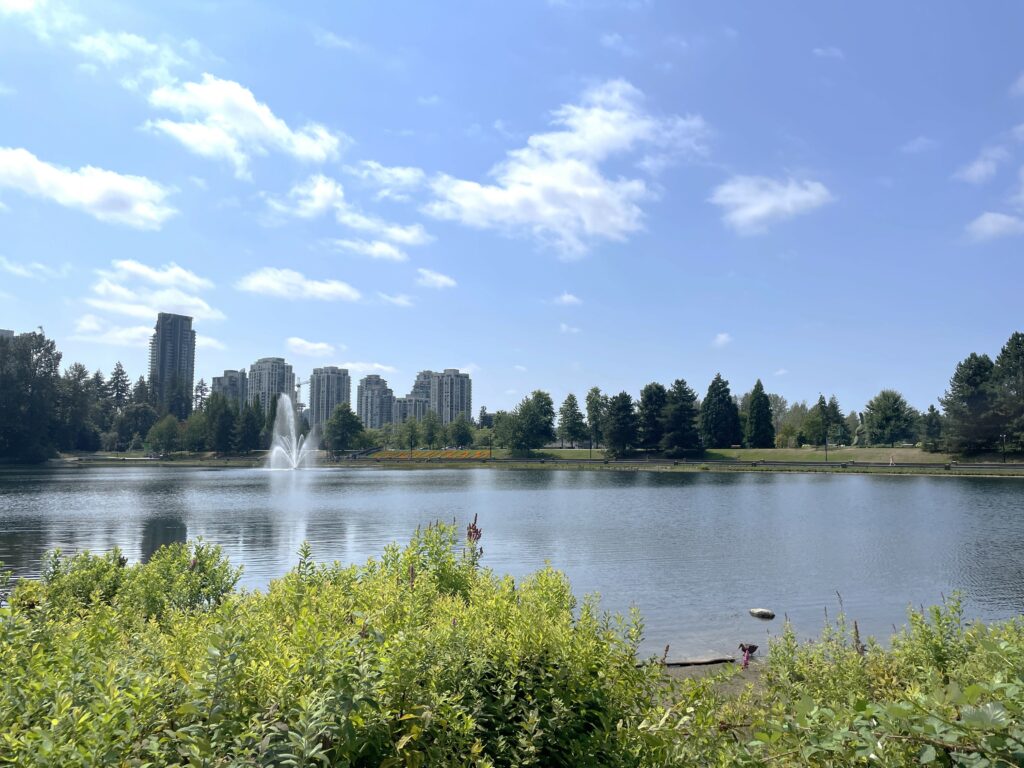
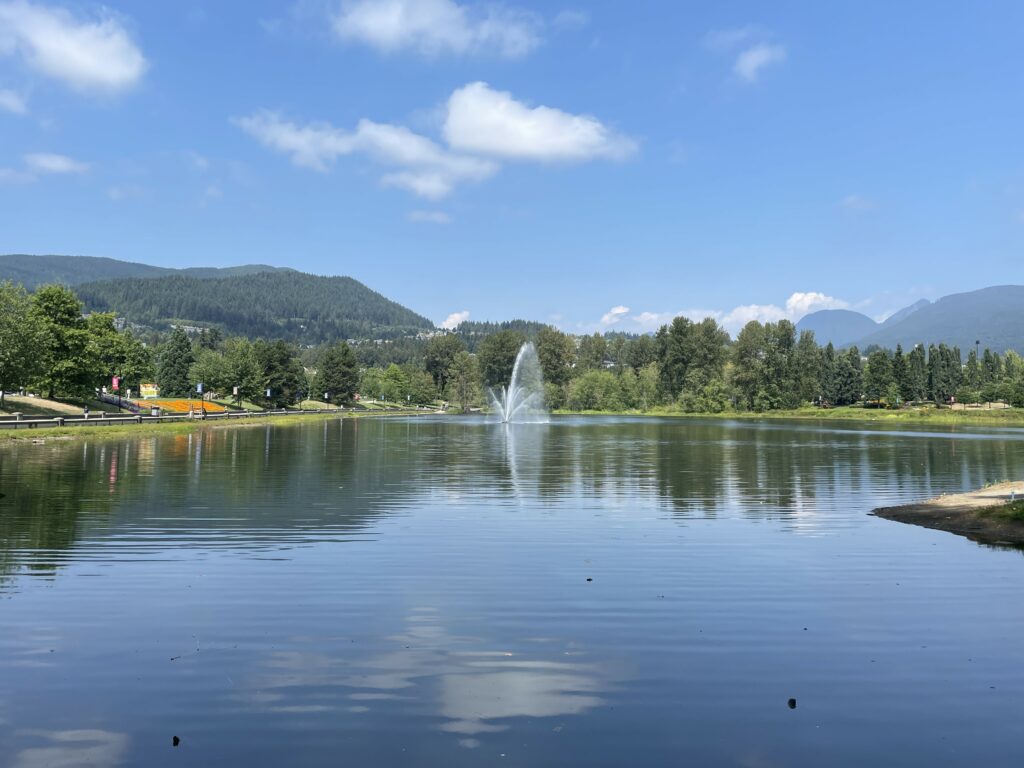
A few shots of Lafarge Lake

Yesterday (August 6) I ventured into Coquitlam to run a few errands, and hopped off the SkyTrain at the Lafarge Lake station. Because I was only a block away, I walked over to, then around Lafarge Lake, which is a compact (and artificial) lake that is a weird combination of manicured on the west side (concrete walls, paved path) and more natural (rough-hewn fences and gravel paths) on the other side.

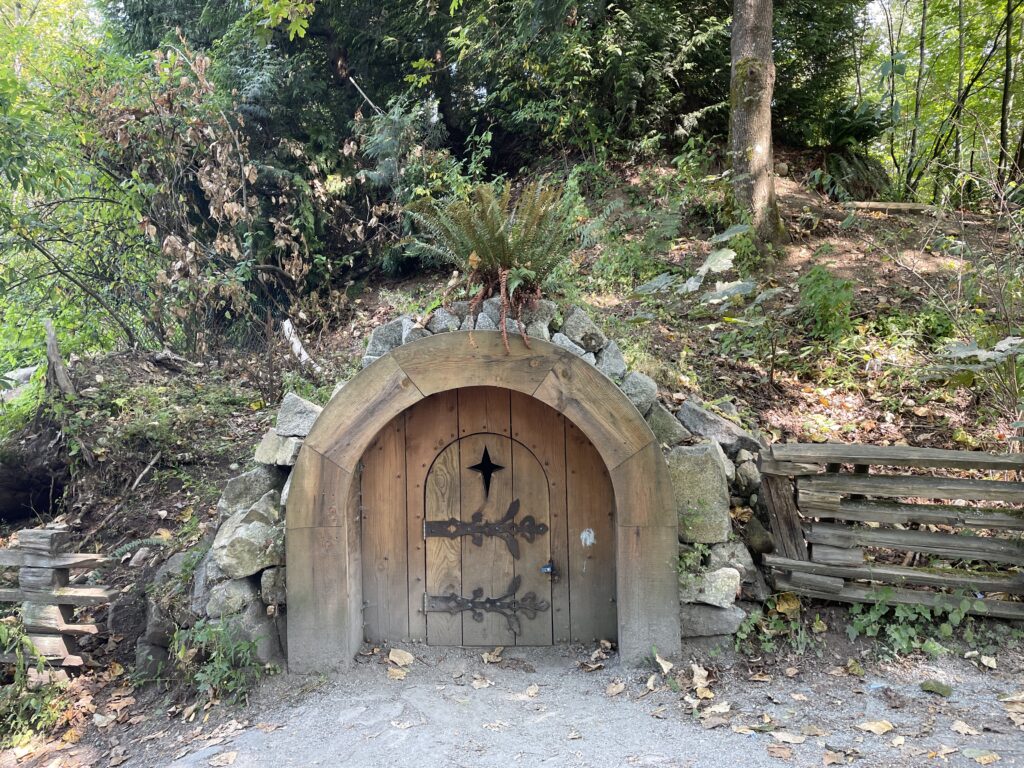
There is also a mining cart and what appears to be a hobbit house. The mining cart I get, as the lake was originally a quarry, the hobbit house, no idea.

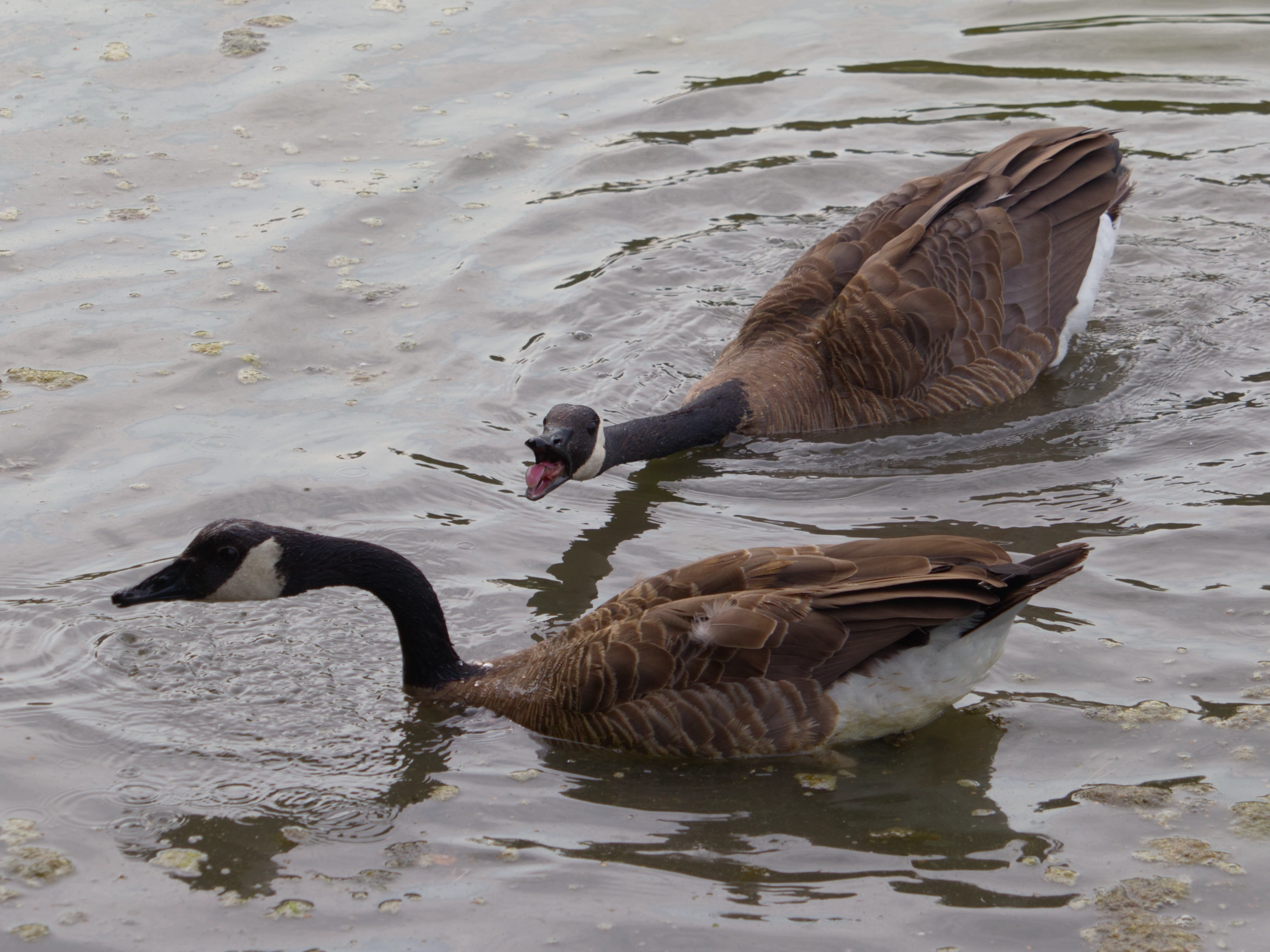
The geese honked occasionaly, but it was a nicely calm place, otherwise.

Birding, August 5, 2024: Shadow over Iona Beach

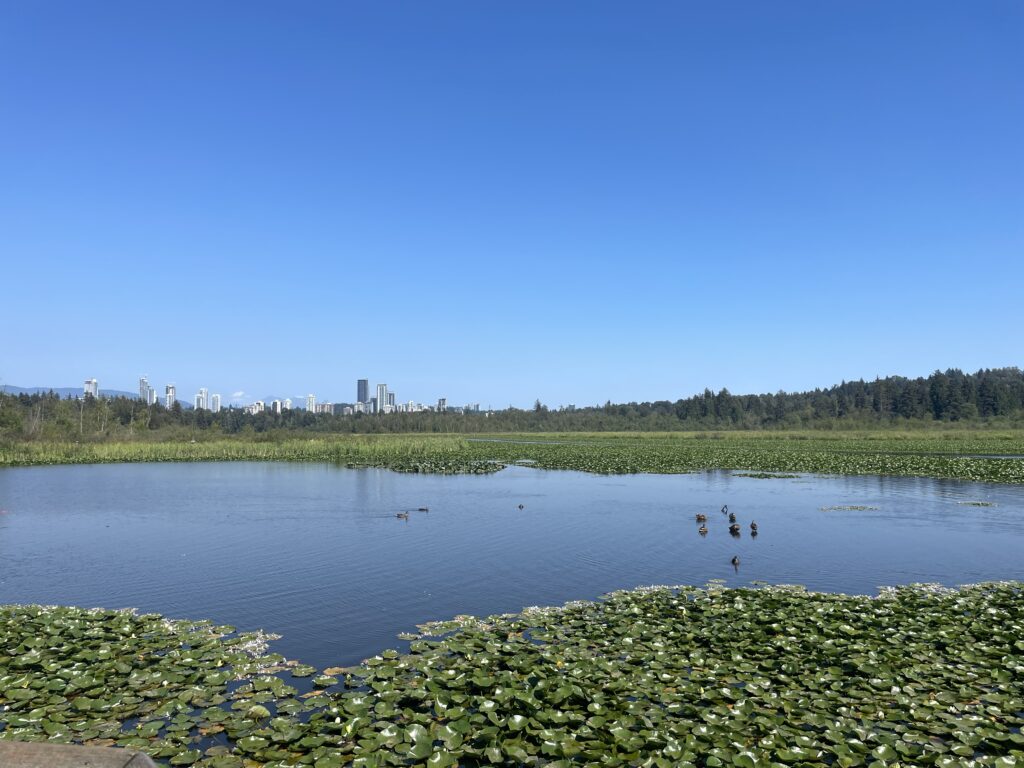
Where: Iona Beach (Richmond), Piper Spit, Burnaby Lake (Burnaby)
Weather: Sunny, 18-25°C

The Outing

Iona Beach

We got out to a slightly later than usual start, in keeping with the casual BC Day vibe or something, our first destination, Iona Beach.

Good news, we still haven’t needed the Deep Woods Off! yet. Perhaps that one biting bug nightmare was just a one-time abberation.

Speaking of nightmares, stay tuned!

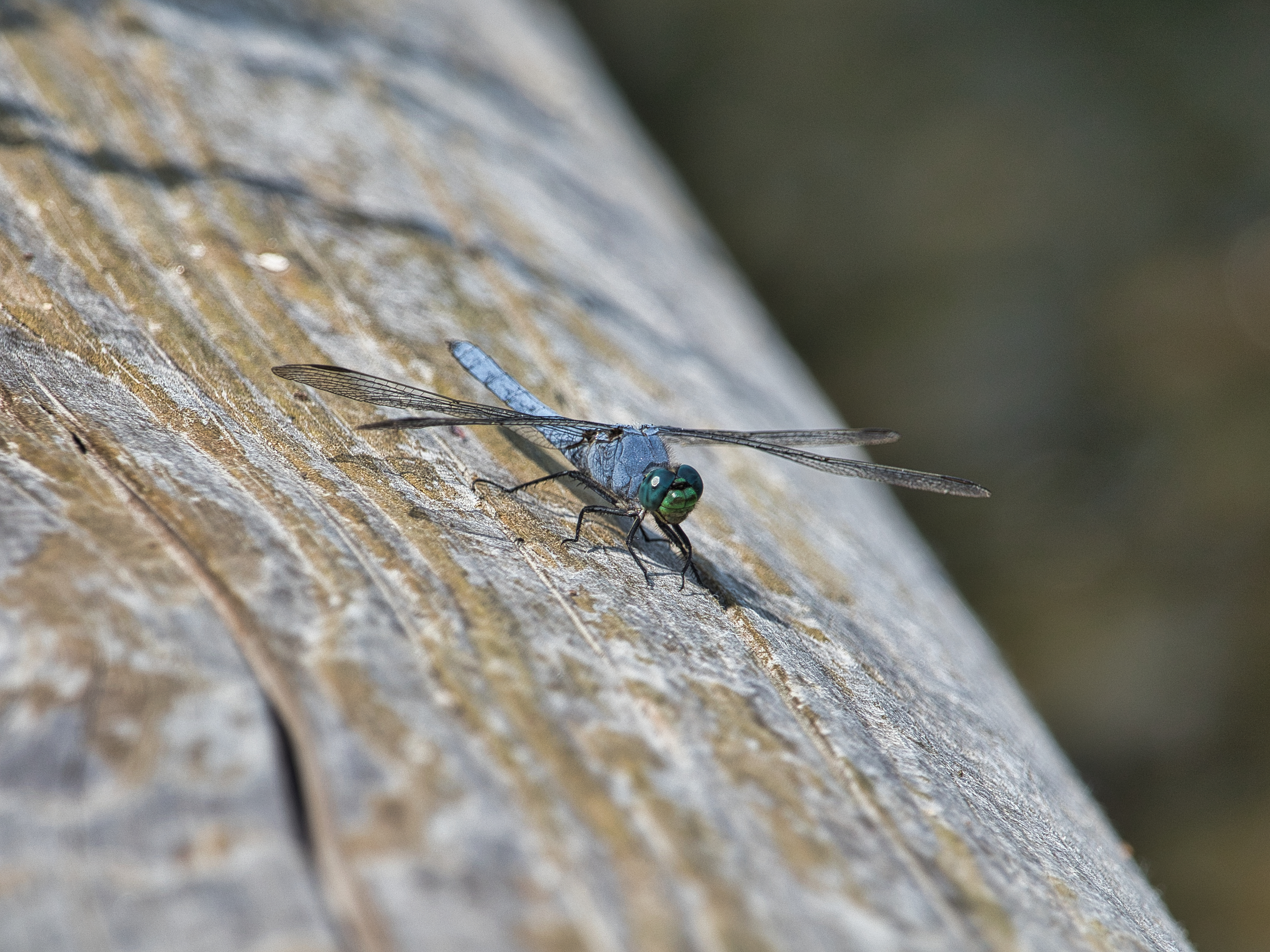
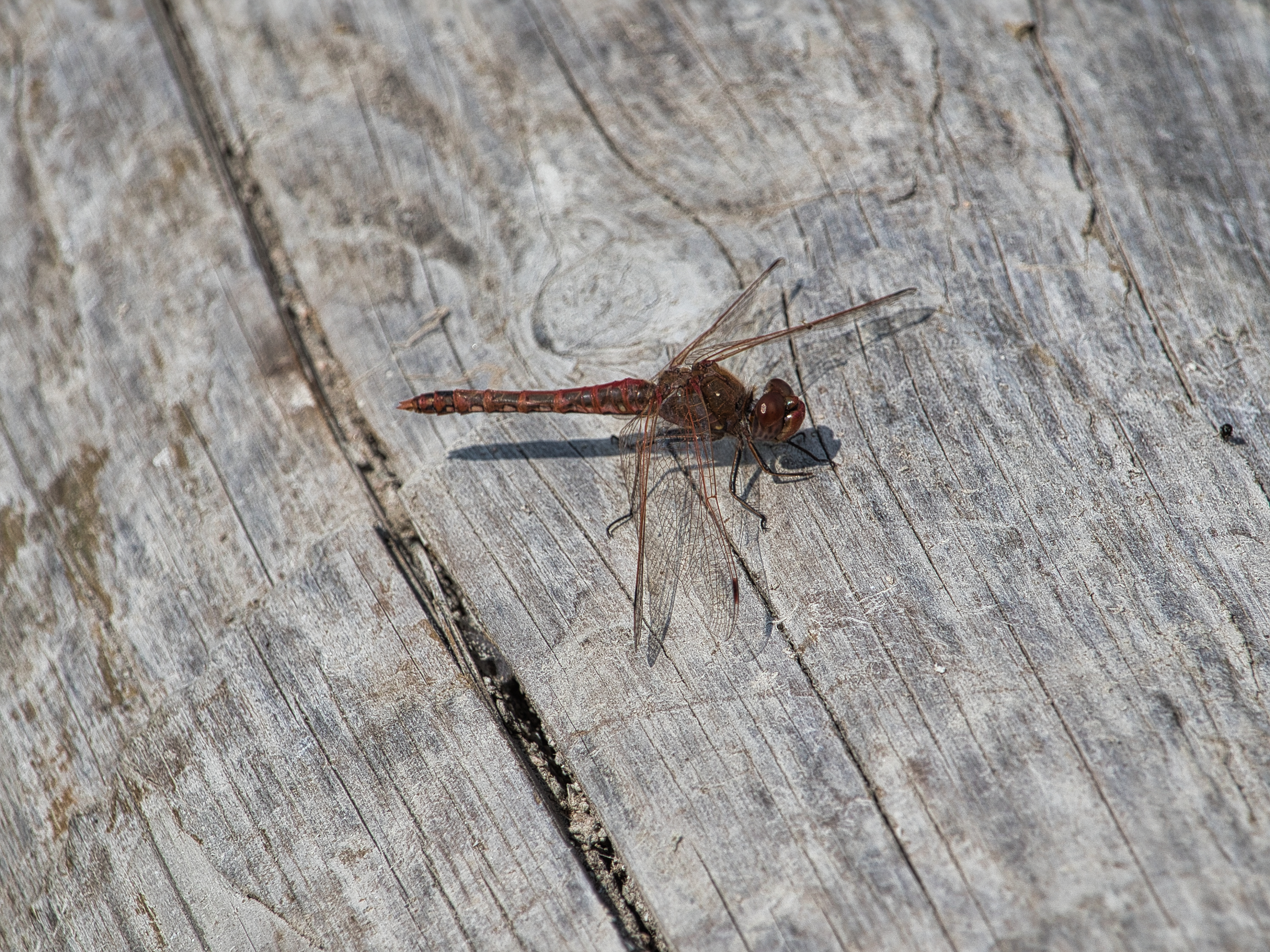
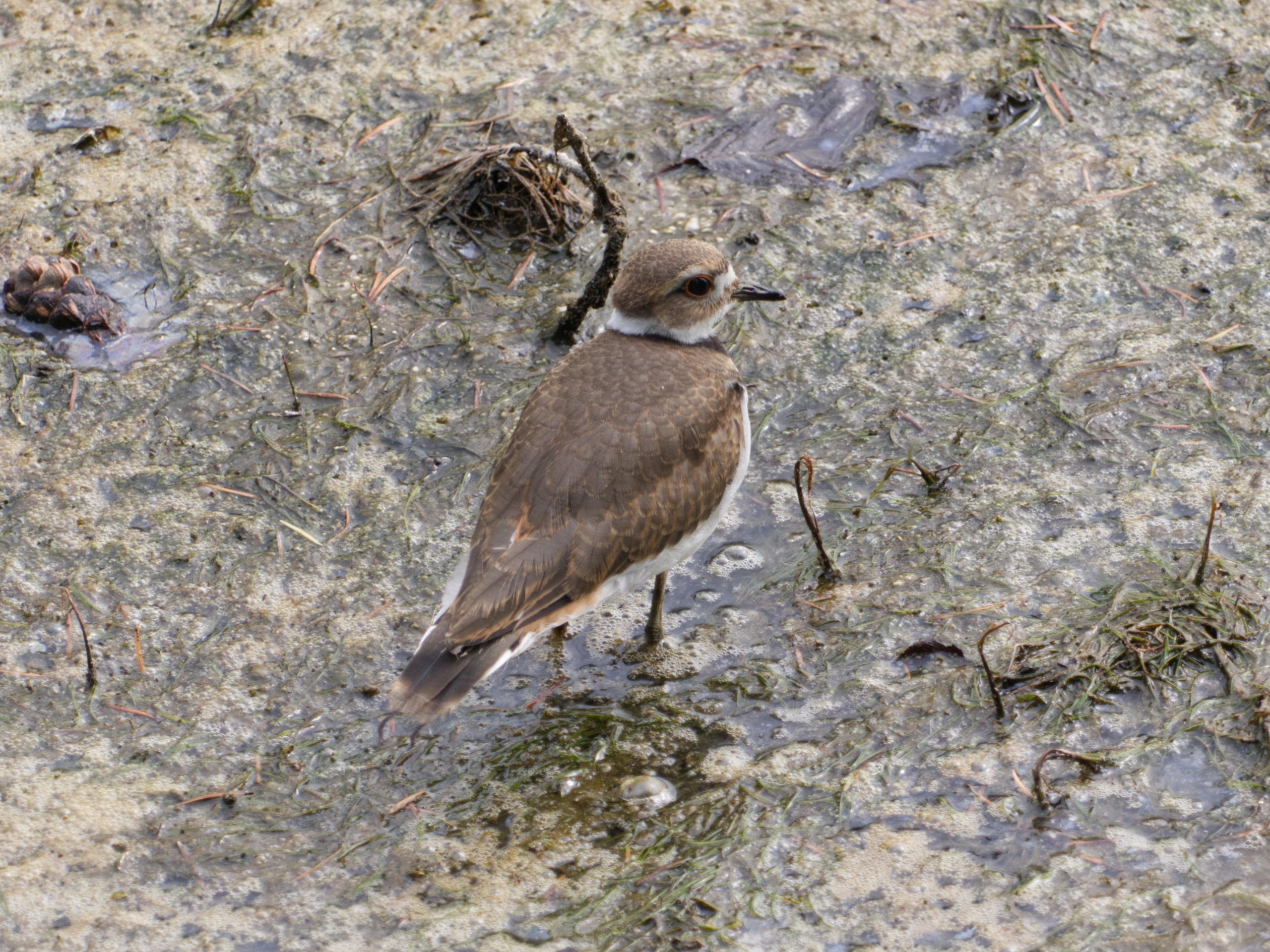
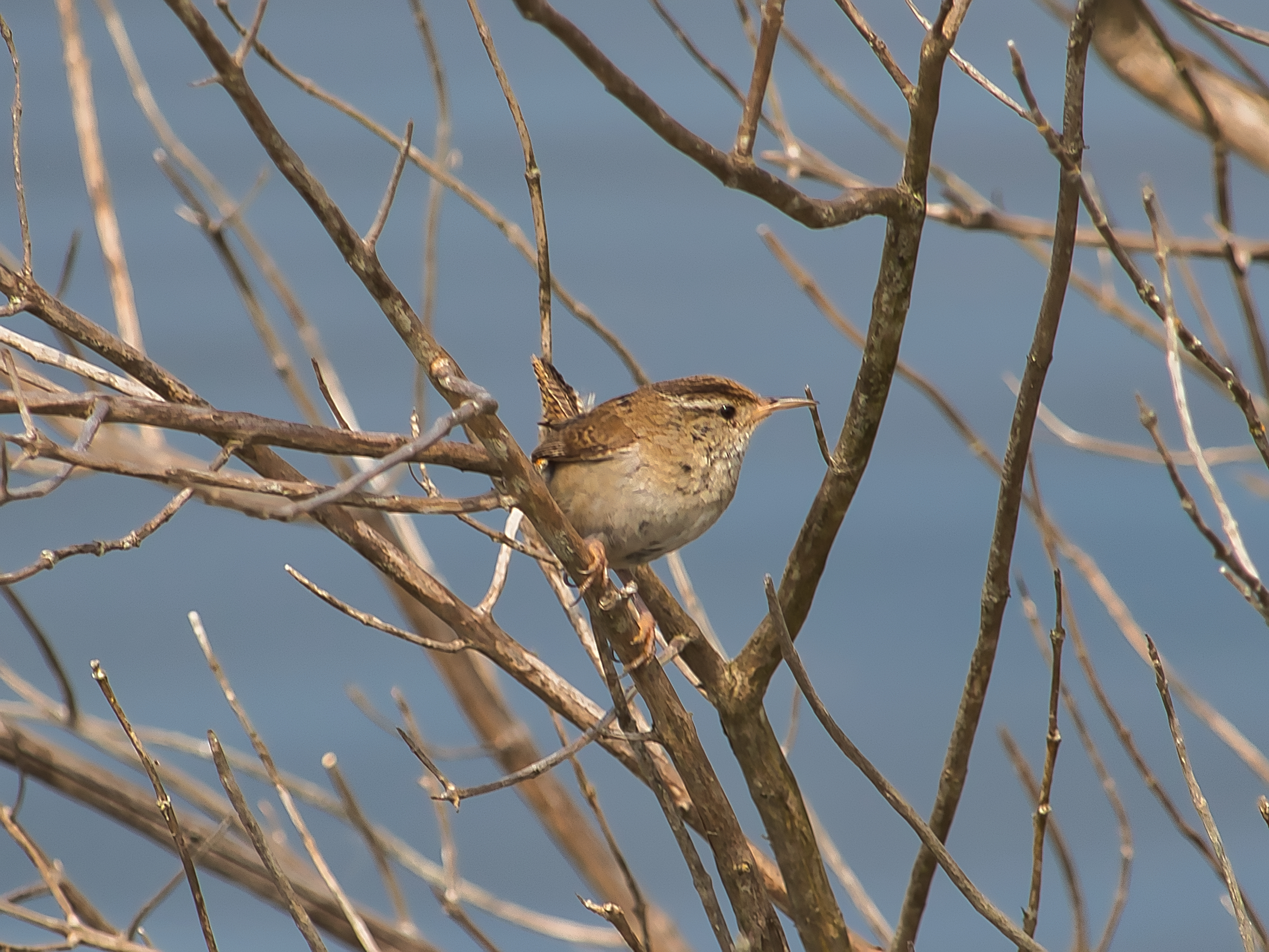
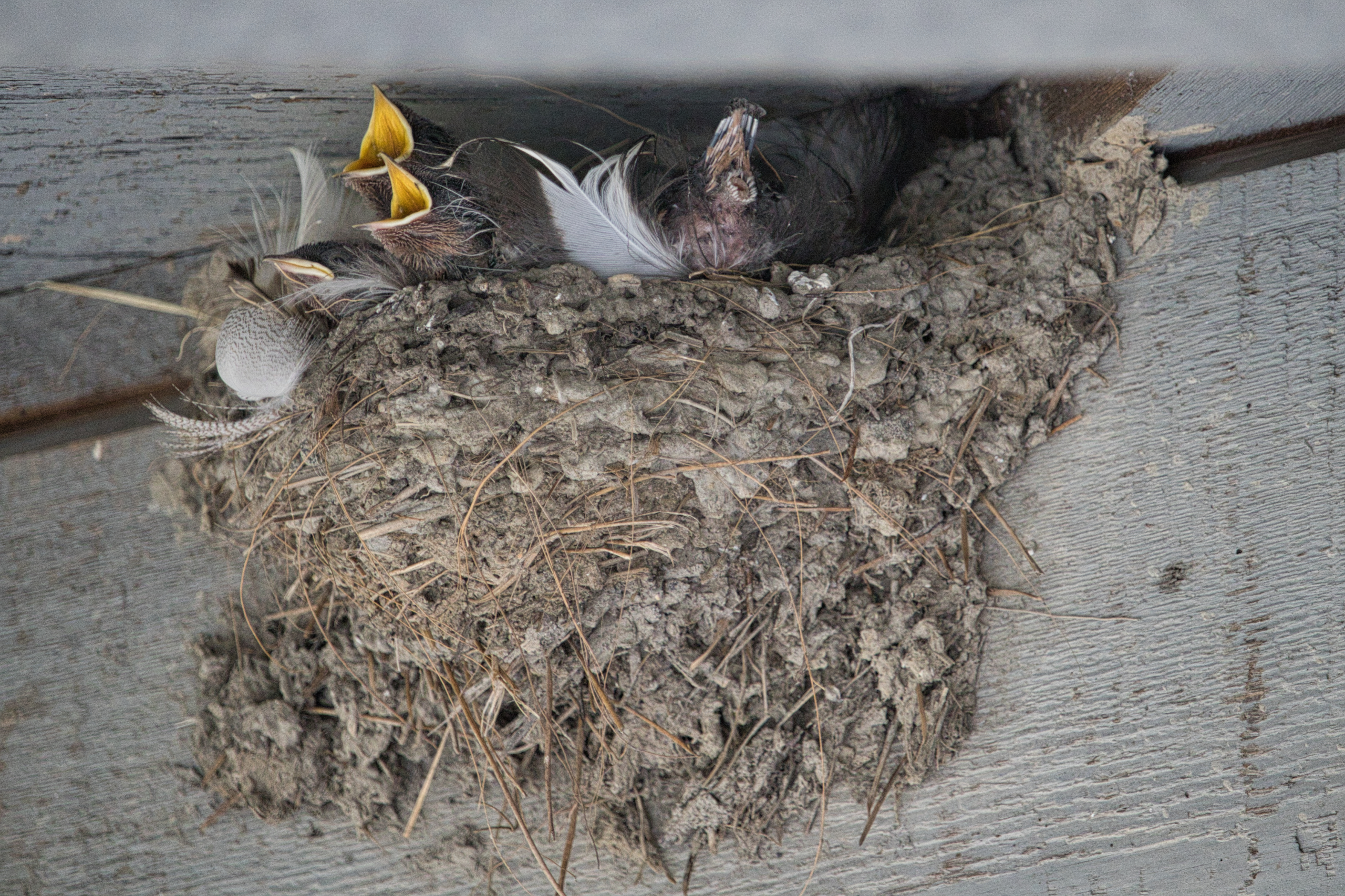
As usual during peak summer, we did not see a wide variety of birds, but groups of starlings and barn swallows were out and aboot, as well as some killdeer along the river bobbing their heads, and roughly a million dragonflies. The outing concluded with a ring-billed gull pulling worms out of the mudflats.

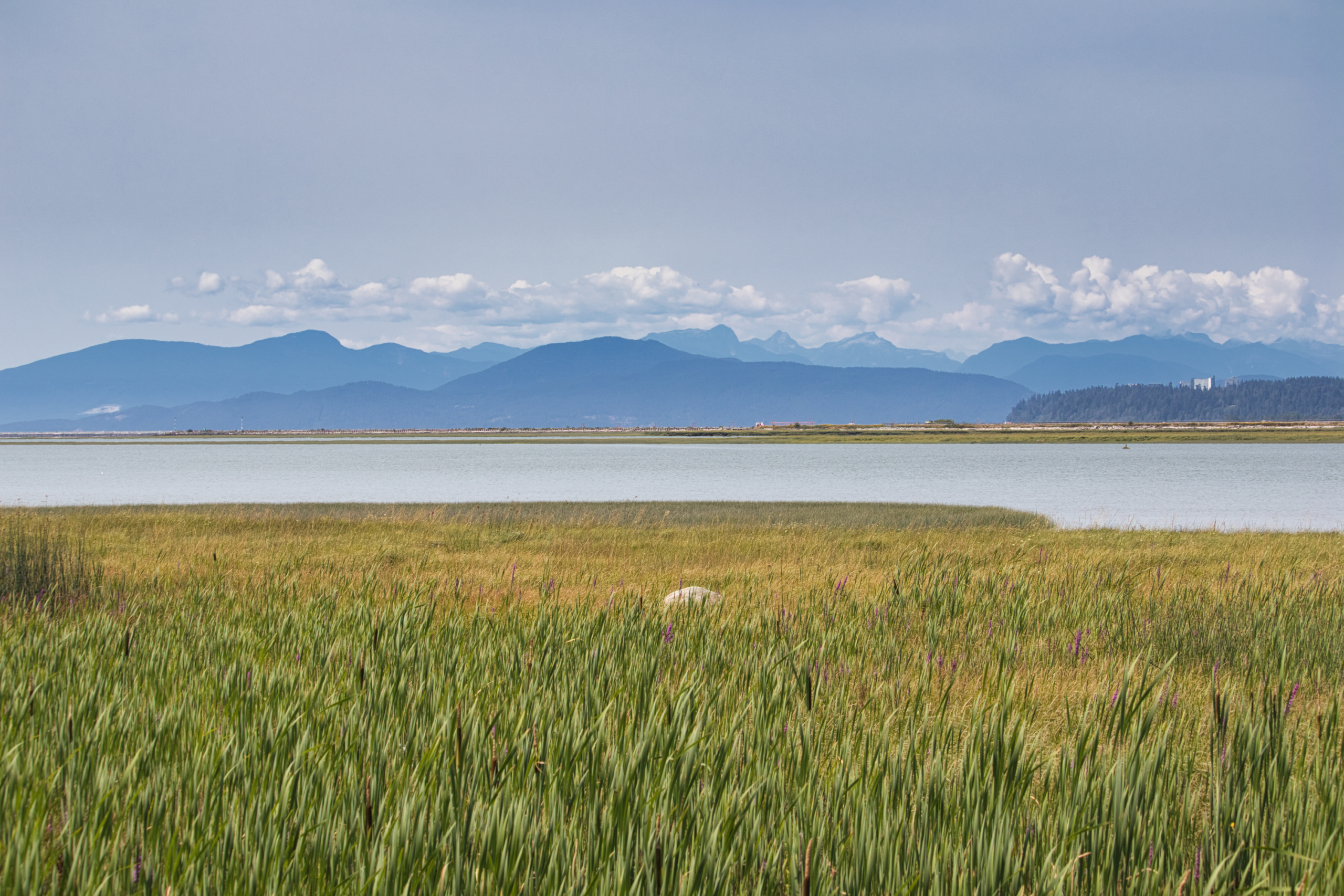
In-between, we got many shots of the vast low tide, which seemed even lower than normal. Some of the sand actually felt firm and was drying. This created the illusion that I had changed into my “I don’t care if they get wet” shoes for no reason. We made it almost all the way back to shore, within sight of the parking lot and my shoes were still keeping my feet dry. All that was left was a pile of kelp to stomp over to reach the sandy shore, maybe 10 or 12 feet of it. Easy peasy!

Except underneath the thin crust of bright green kelp was a black ichor that was deep enough to come up to our ankles. It also smelled like the fermented remains of The Old Ones. We were committed by the time we realized what we stepped in, so we trudged through the black oil-like goo, then made liberal use of the hose outside the washrooms to wash our shoes, our feet and maybe a little bit of our souls.

We then went to lunch, pretending we couldn’t smell anything.

Piper Spit

We made only one more stop, at Piper Spit. Good: We didn’t get stuck behind any trains. Bad: The water level of the lake was considerably higher, completely submerging the landmass and forcing the shorebirds to dine and snooze elsewhere.

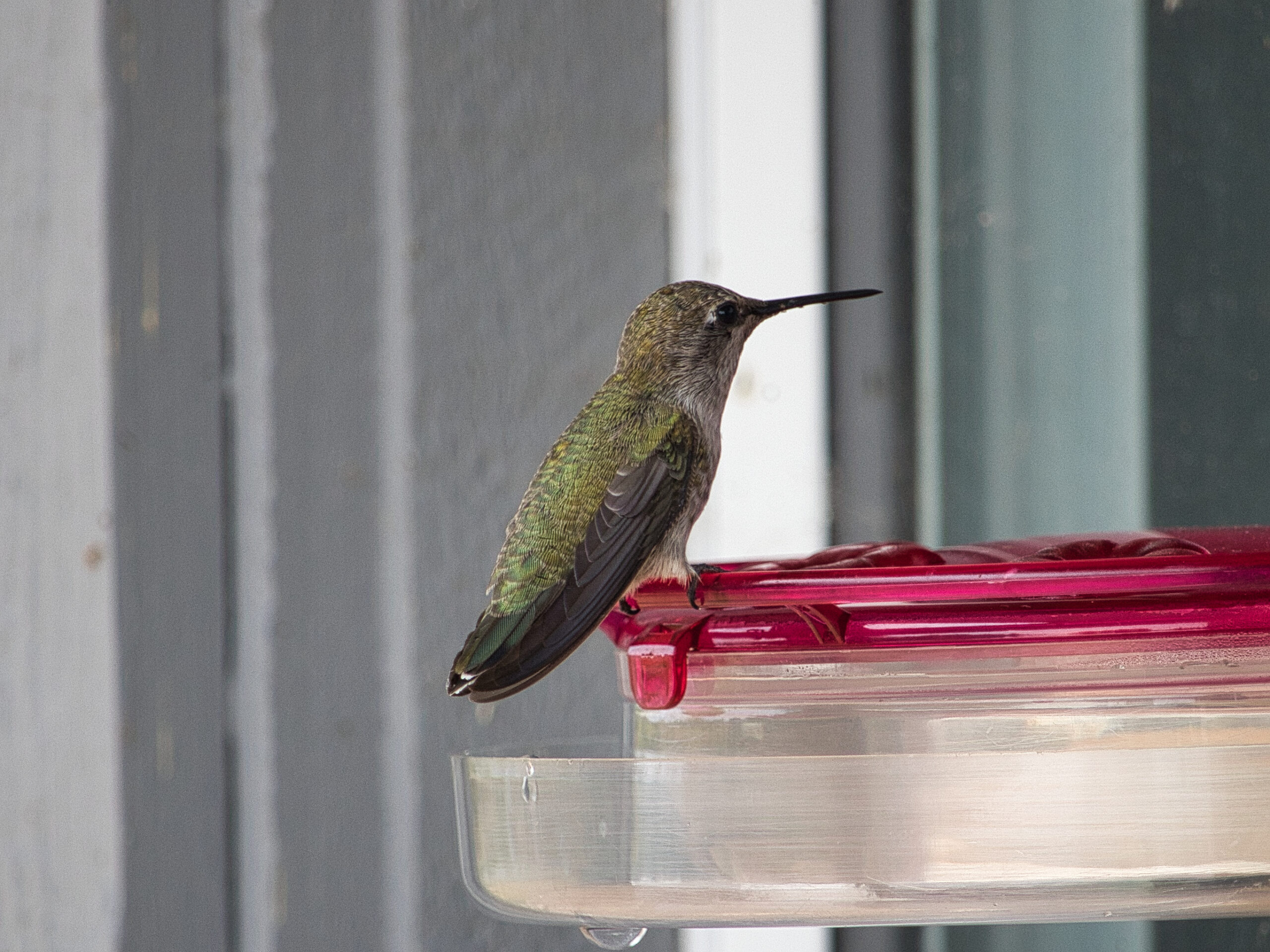
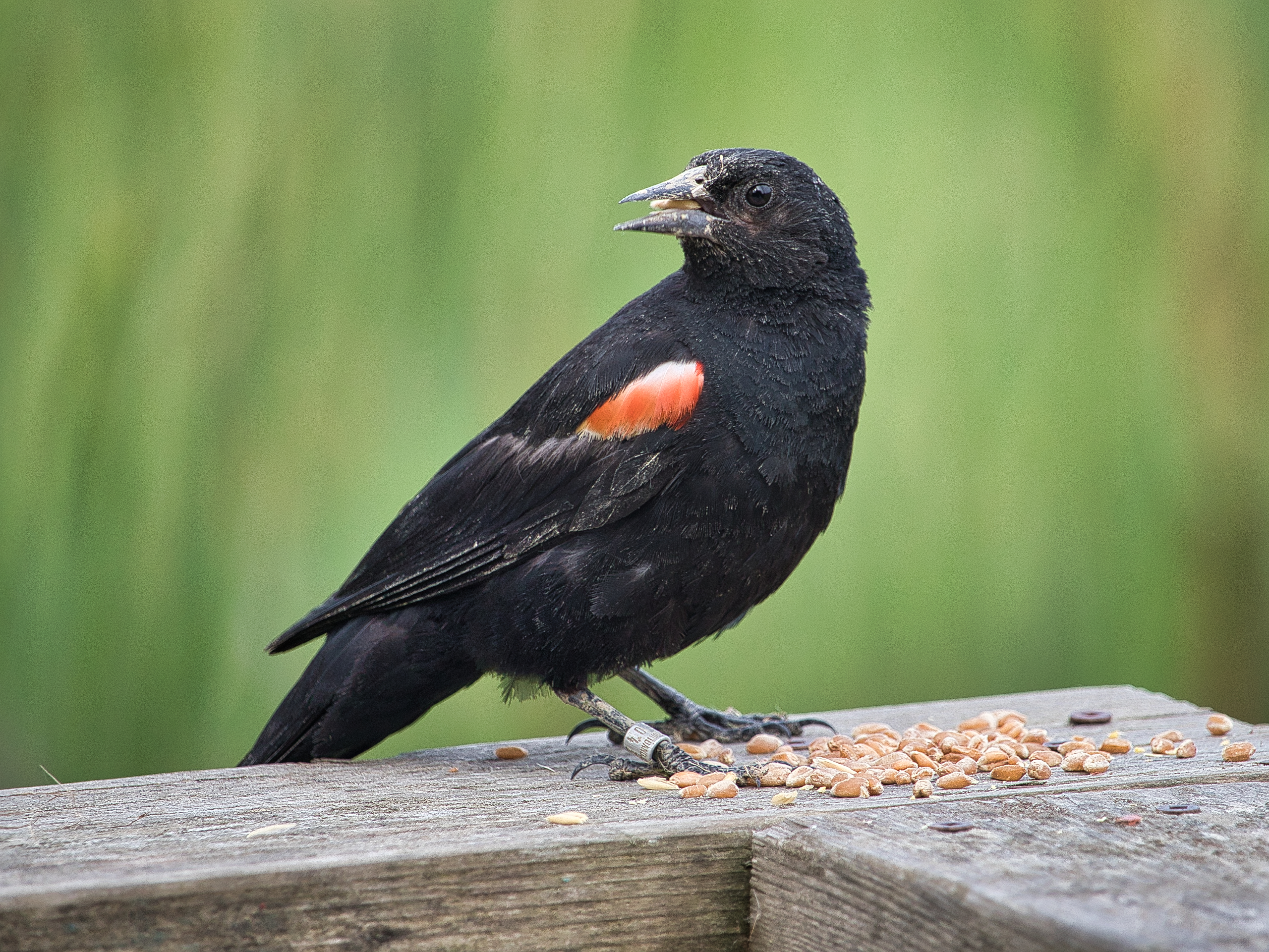
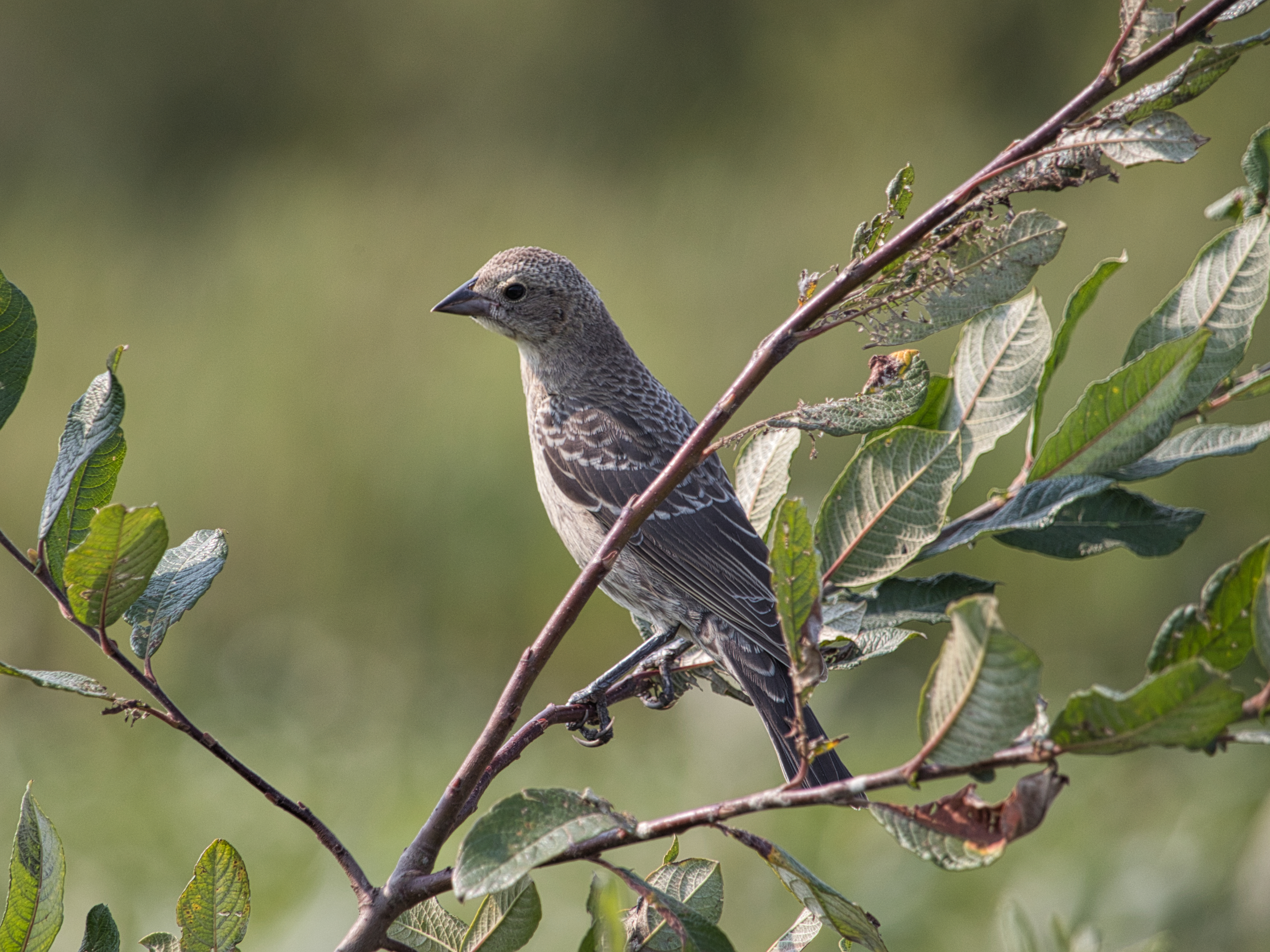
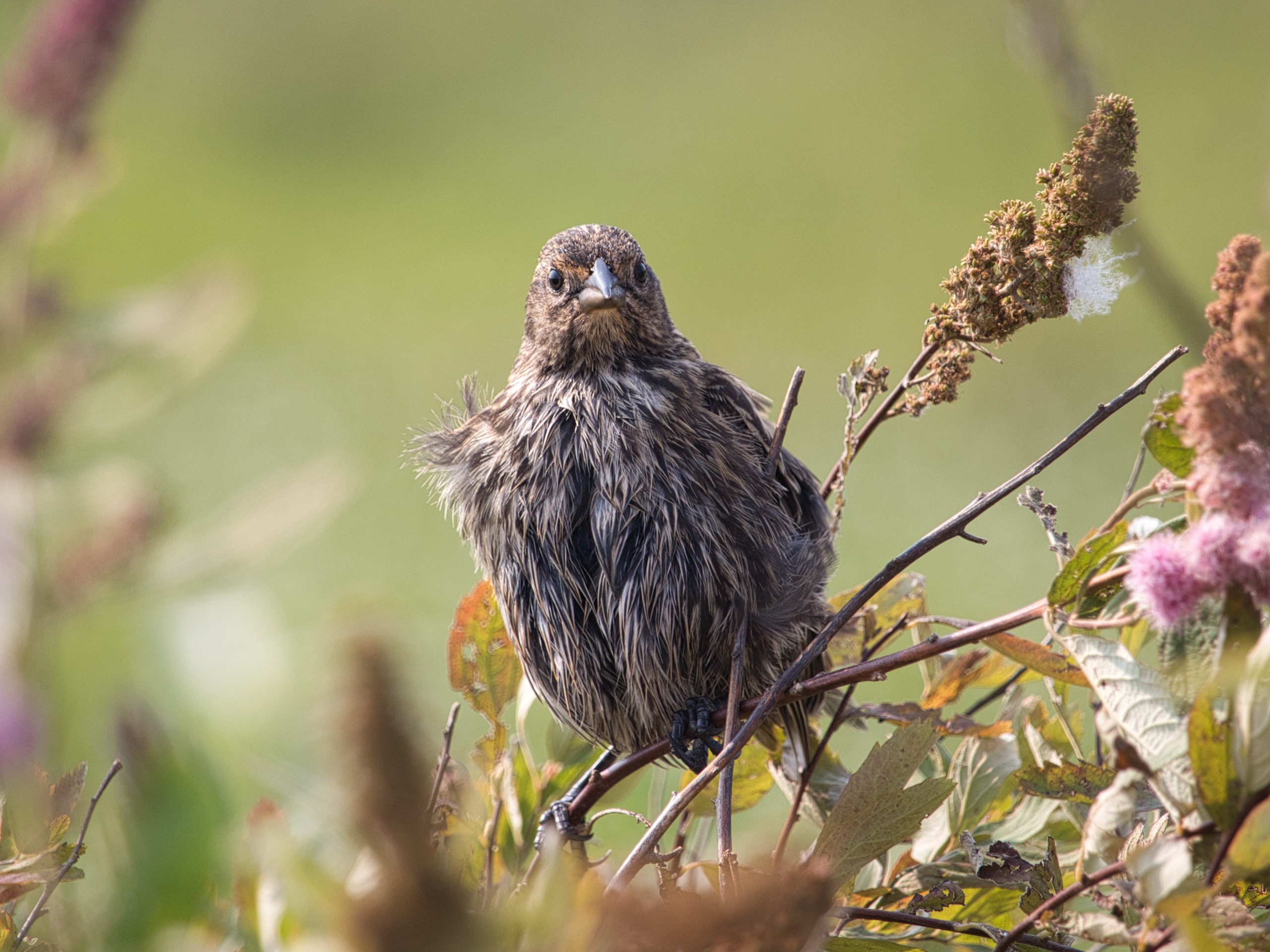
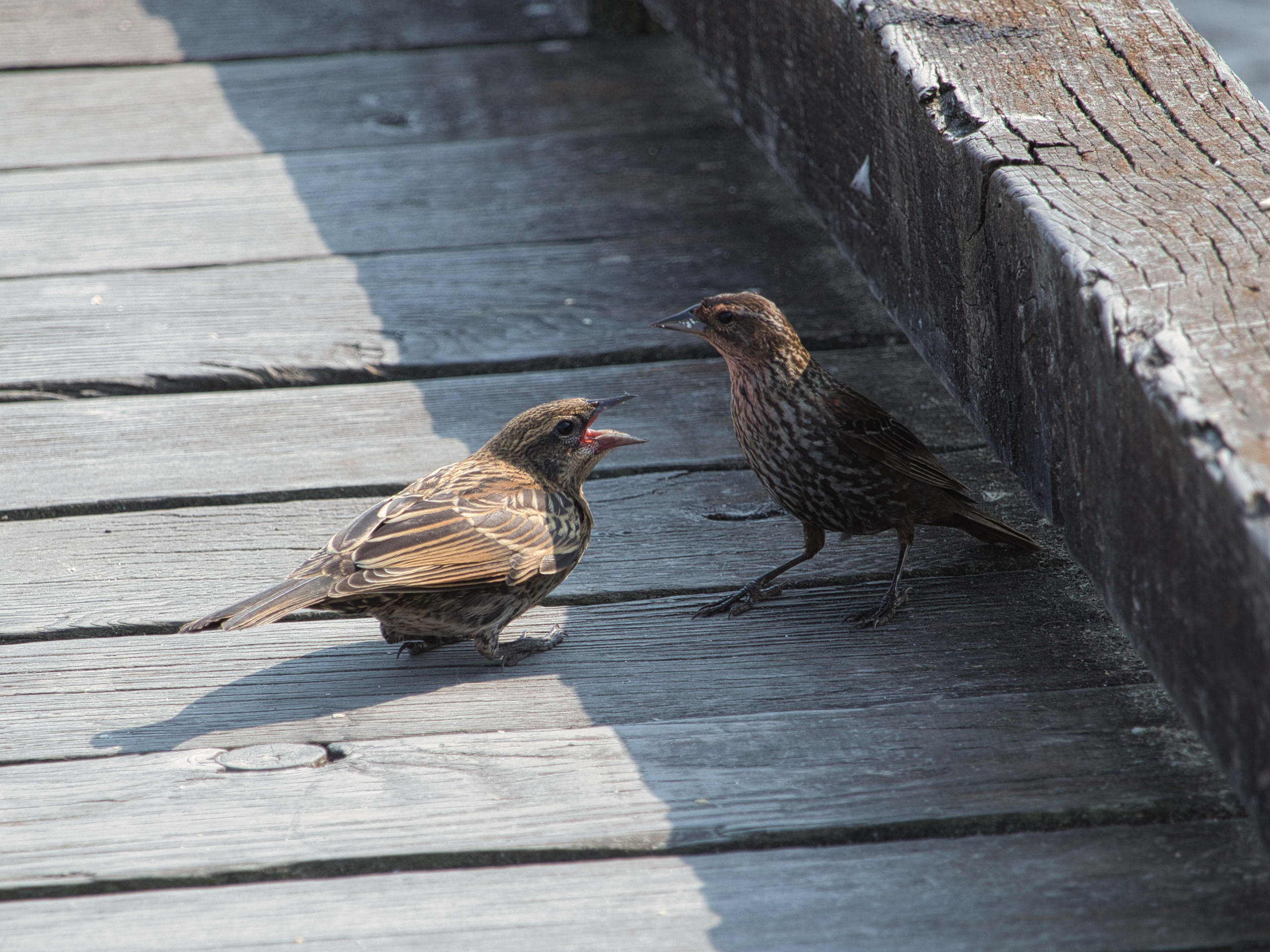
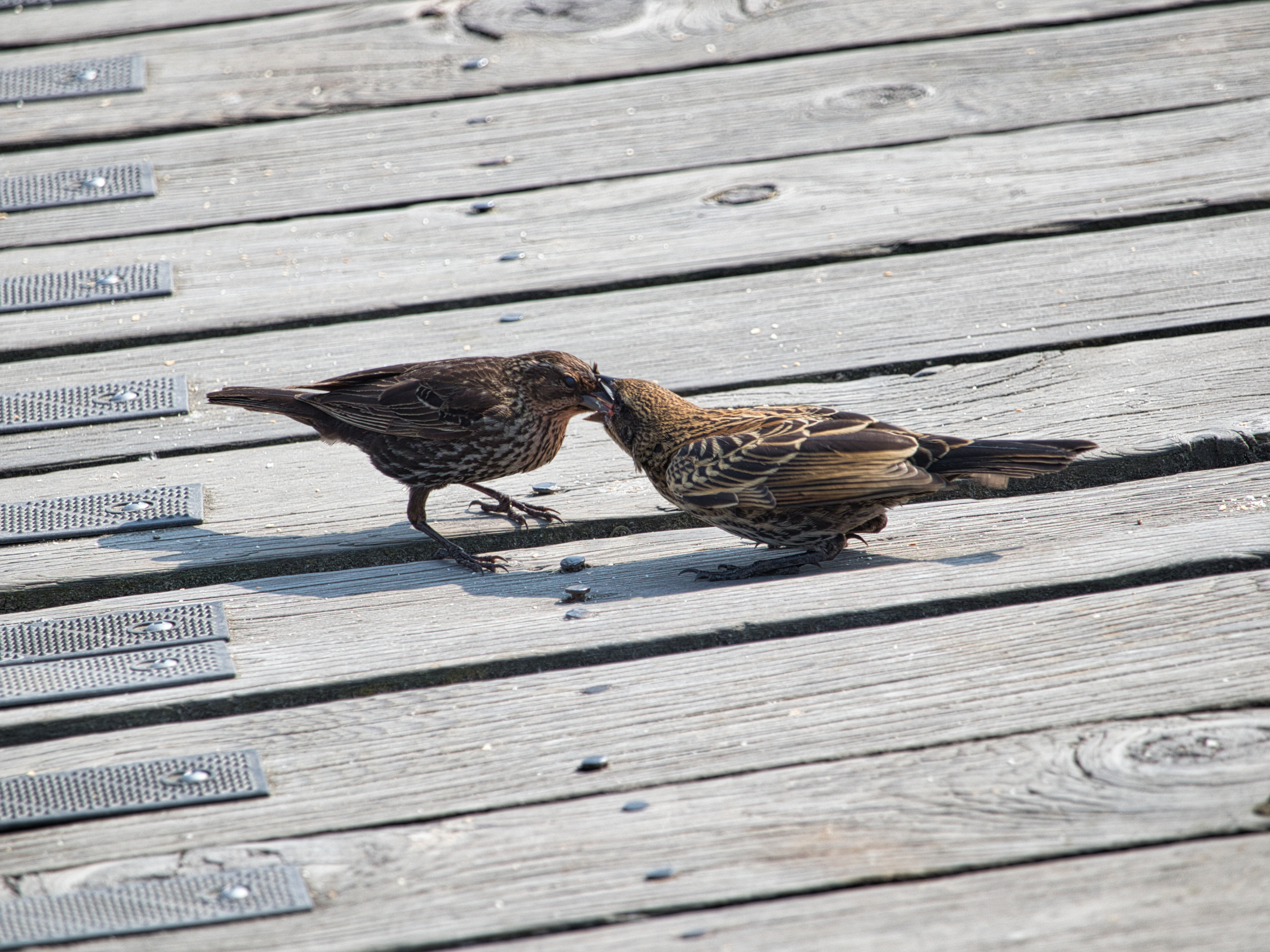
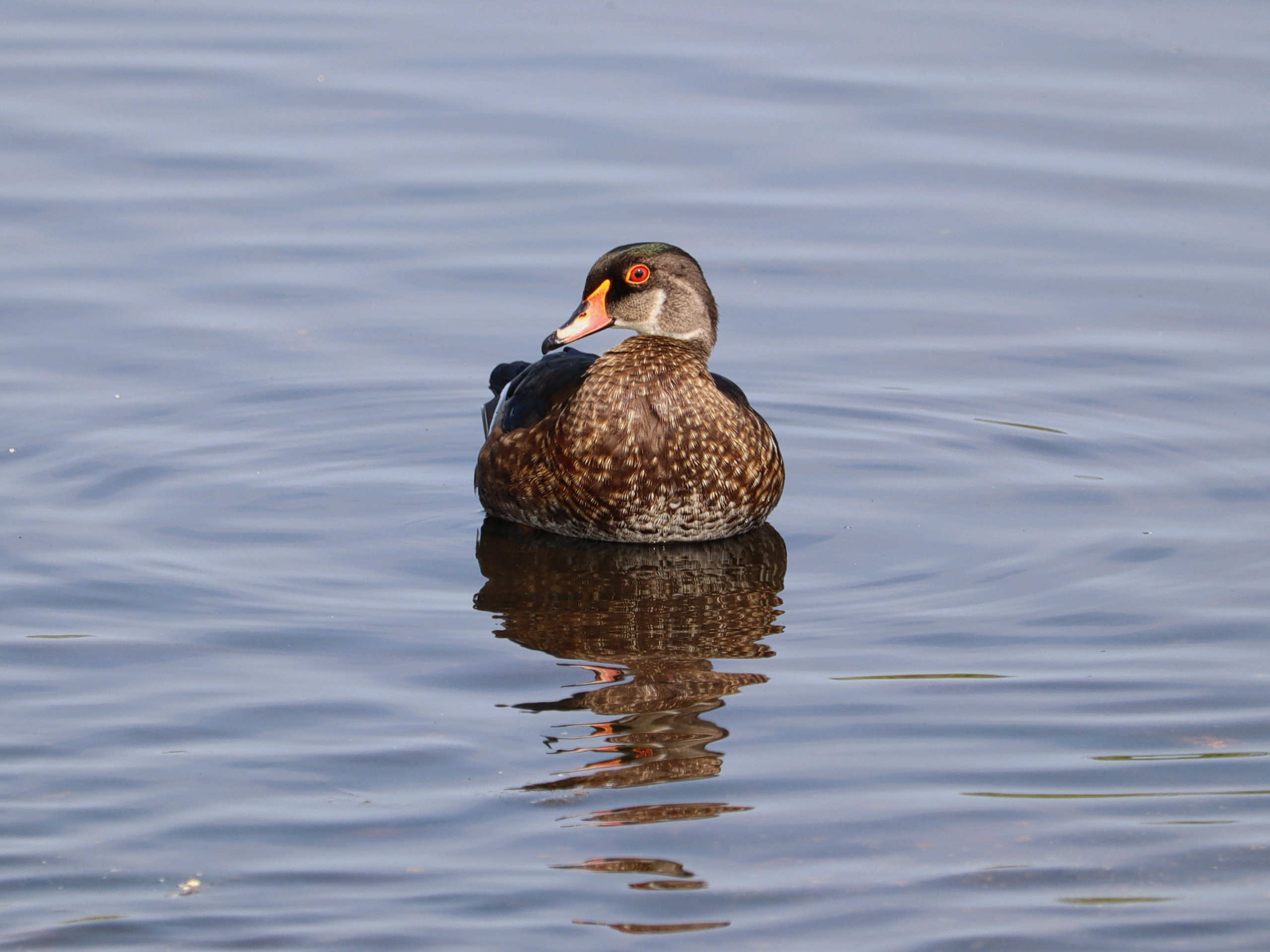
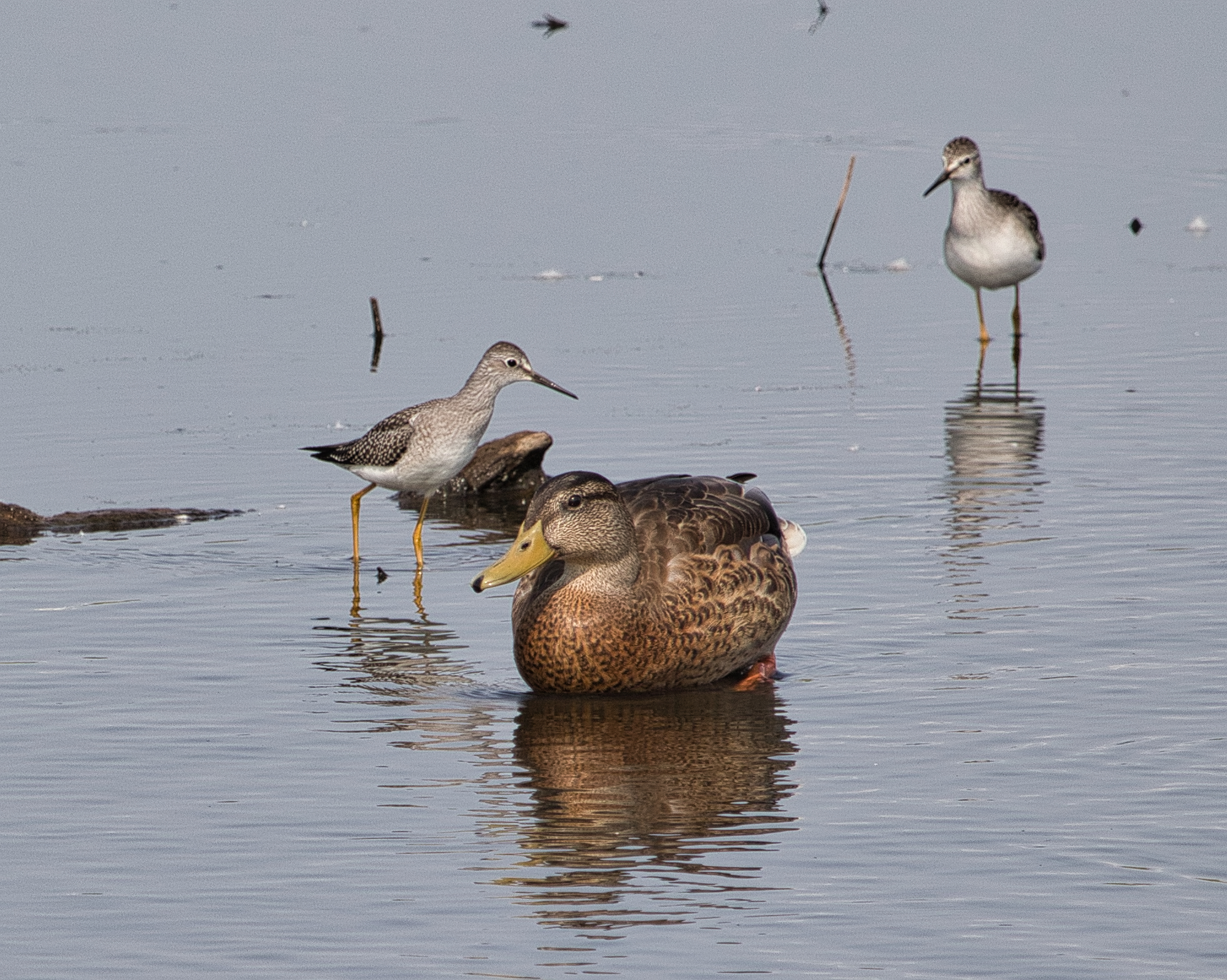
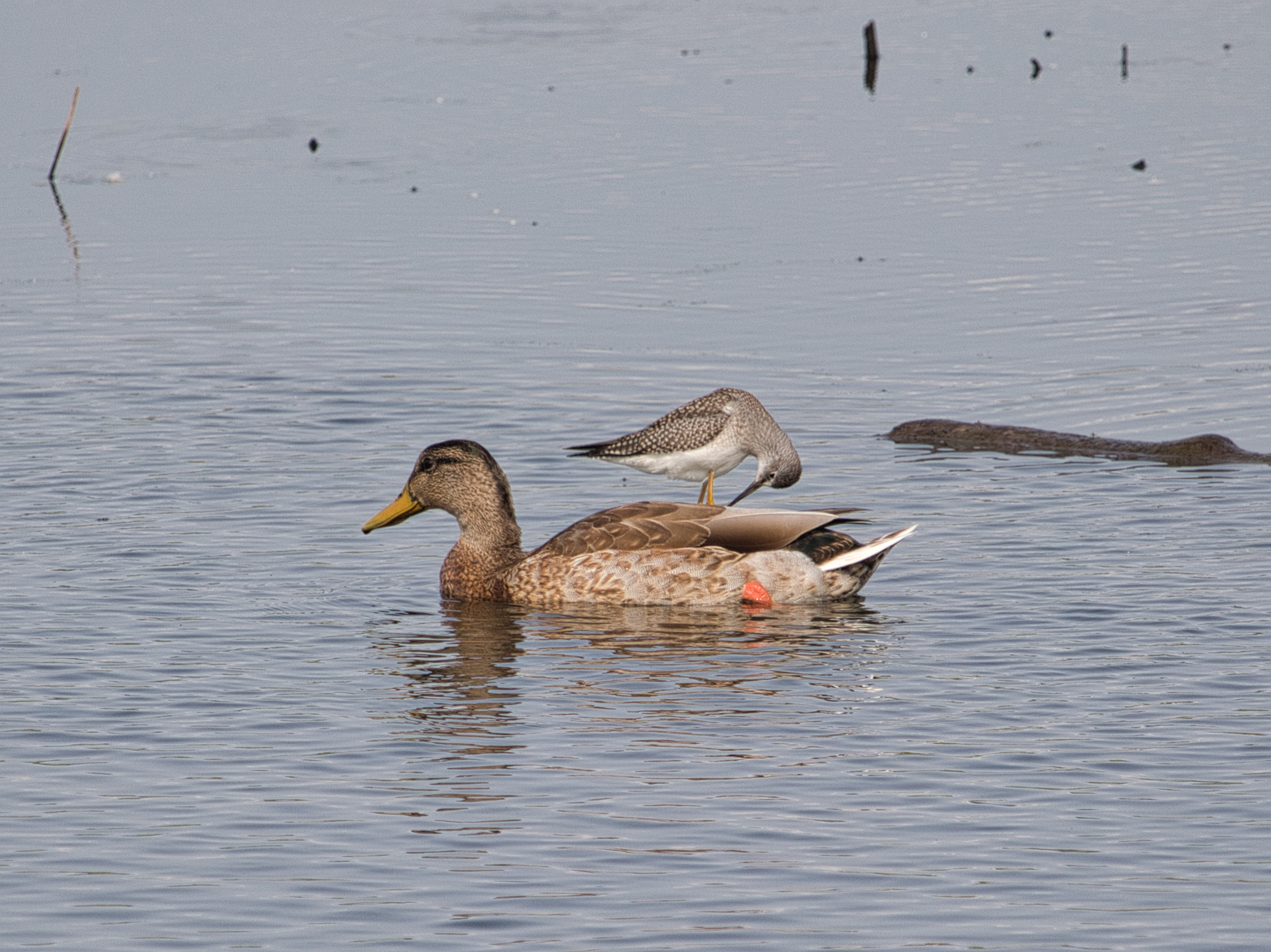
We made do with the usual collection of mallards, wood ducks, poop monsters and blackbirds. The cowbirds seem to have left already, but the young green-winged teals were enthusiastically chasing each other around, testing out their not-quite-ready-for-flight wings.

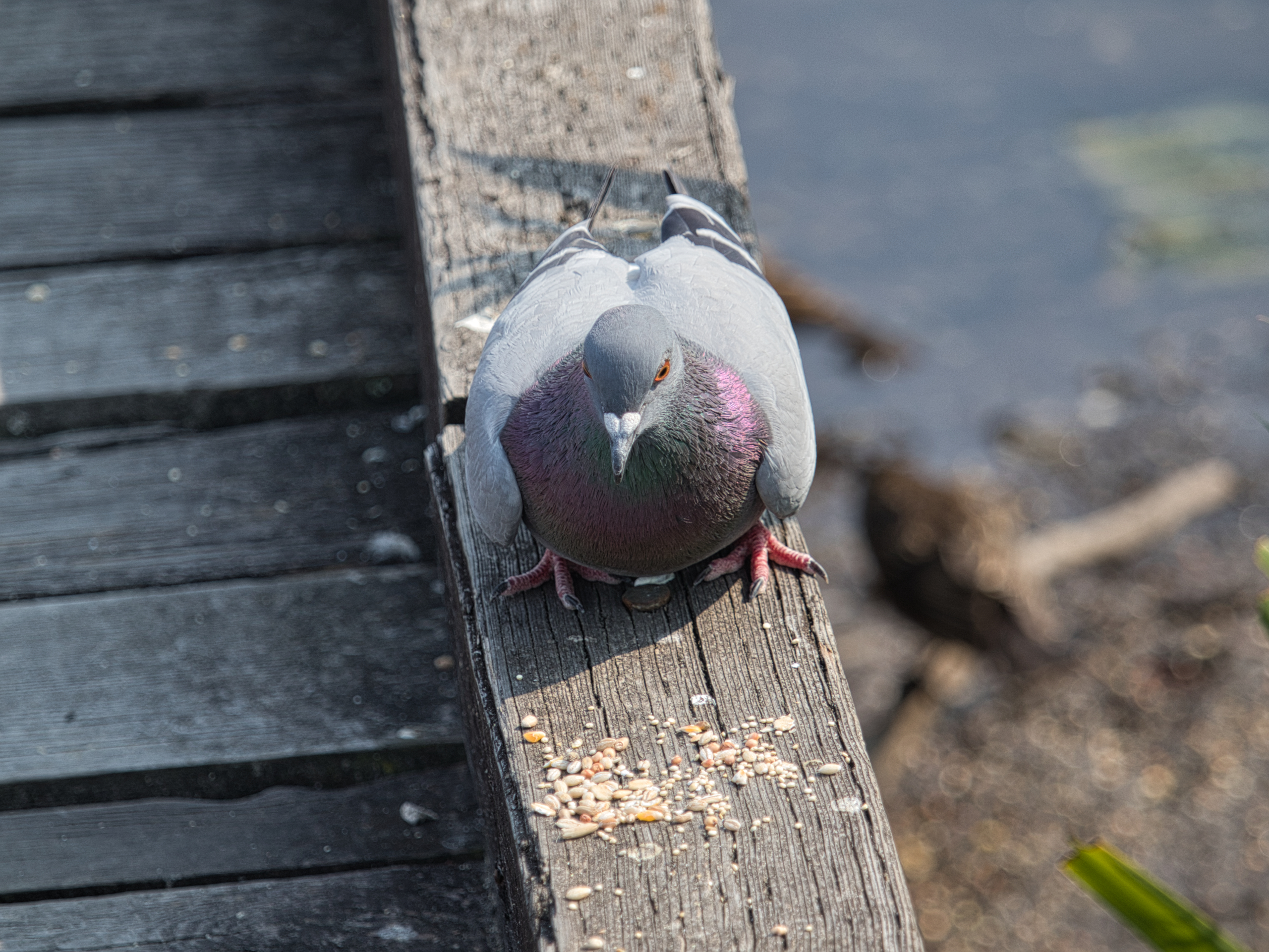
Songbirds were generally scarce, though a few pigeons were cooing around, as they do. I tried to get a prize-winning shot, but alas.
Speaking of alas, my camera was giving me issues again and I am fairly certain it is the telephoto lens or the adapter. At one point I went to take a photo and could hear a sound coming from the camera. The connection between lens and adapter was a tiny bit loose, so I tightened it and the camera seemed to behave better after. We’ll see how it goes. Replacing the adapter would be relatively cheap, the telephoto lens, not so much (or at all).

In all, a low-key kind of outing as befits this time of year.

Some winter migrants should start showing up soonish. Perhaps the first coots will come calling. One can dream.

The Shots

Soon™

The Birds (and other critters). Rare or rarely-seen birds highlighted in bold.

Sparrows and sparrow-adjacent:

  • American robin
  • Barn swallow
  • Black-capped chickadee
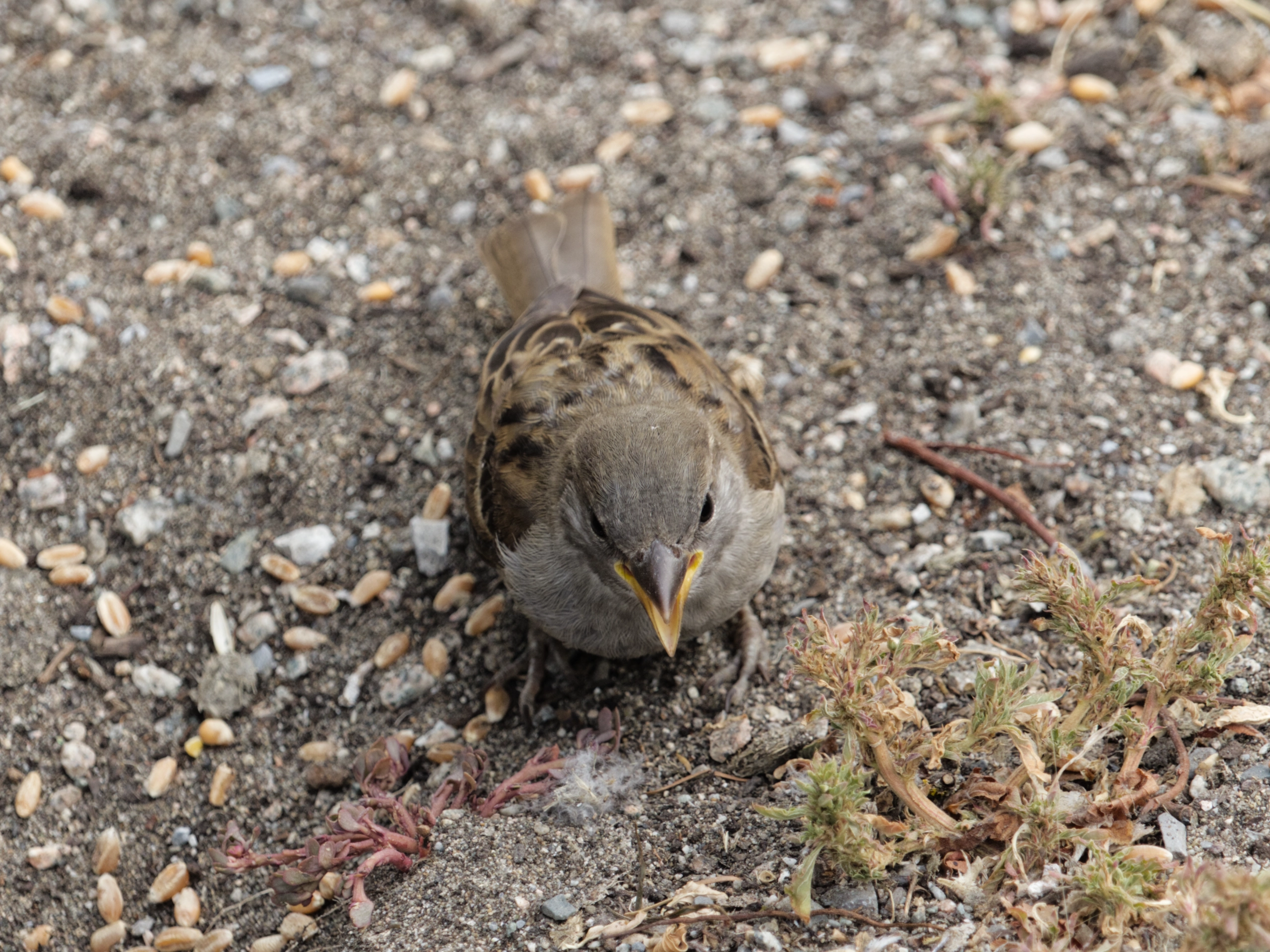
  • House sparrow
  • Red-winged blackbird
  • Song sparrow
  • Spotted towhee

Waterfowl and shorebirds:

  • Canada goose
  • Great blue heron
  • Mallard
  • Wood duck

Common:

  • American crow
  • European starling
  • Rock pigeon
  • Ring-billed seagull

Raptors:

  • Bald eagle (immature)

Non-birds:

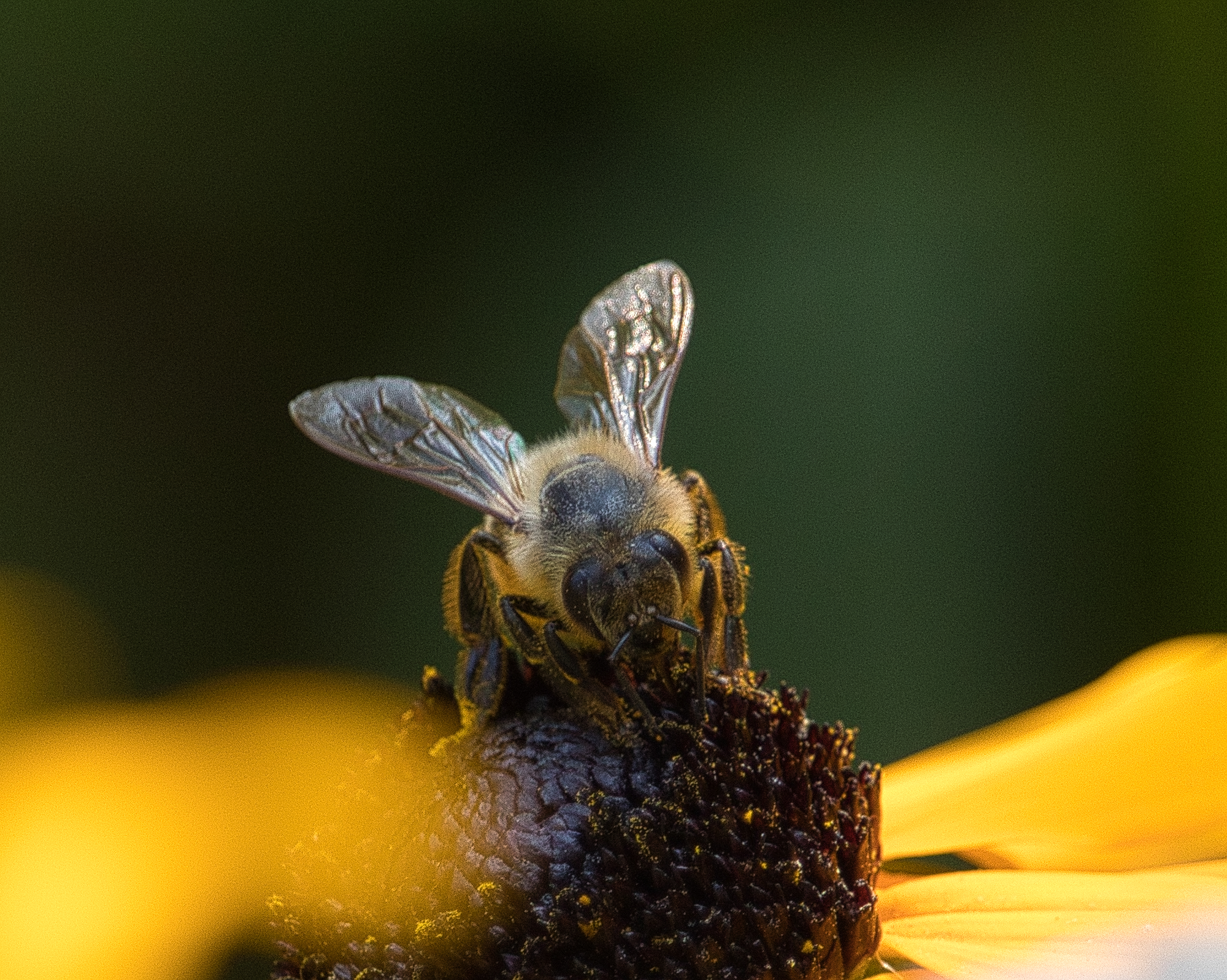
  • Assorted pollinators
  • Dragonflies all up in the hizzy
  • Grasshoppers (it’s that time of year)

Run 875: Oh the humidity

View from Cariboo Dam, pre-run.

I’m sure I’ve used that title before.

But it still fits! It was fairly humid and reasonably warm for today’s run. I started a little later than normal and only semi-cheated today, as I ran to the fountain at the Nature House (just over 2 km in) to grab a quick drink at the fountain.

I checked my watch multiple times in the last km. I wasn’t hurting, but I still wanted the run to end. I wanted to not run. I wanted to lay down in the warm, soft grass.

The starting km was at a more casual pace–I always think this will help me conserve energy for later in the run, but that never seems to happen, so it just drags down my overall pace. Speaking of pace, it was 6:02 in that first km, which is pretty dang slow. The good news is I at least maintained that pace for the second km.

But then I slipped to 6:13 for the third and sputtered to 6:18 for the fourth. I didn’t feel awful, I just had very little forward movement, which is necessary for running. I resolved to push a little for the final km, and did that one in my best overall of 5:58. This brought my overall average to 6:07/km, which is not good but is also not horrible.

The trail was fairly quiet, so I didn’t encounter many people. Between the second and third km, an excavator was digging out a ditch on the north side of the trail, presumably to help with drainage. There was a guy standing away from it on both sides, getting people to stop until they could signal to the excavator guy (EG) to stop digging. He did this by setting the shovel down gently on the trail, as if in solemn ceremony. I almost wanted to salute or bow or something. Instead, I just ran and offered a friendly little wave.

The day started with an early trip to the store, so at 2:47 p.m. I am already at 30,000+ steps. I think I may go lay down for a bit now.

Here’s to Friday’s run being hopefully a bit cooler and maybe a bit faster.

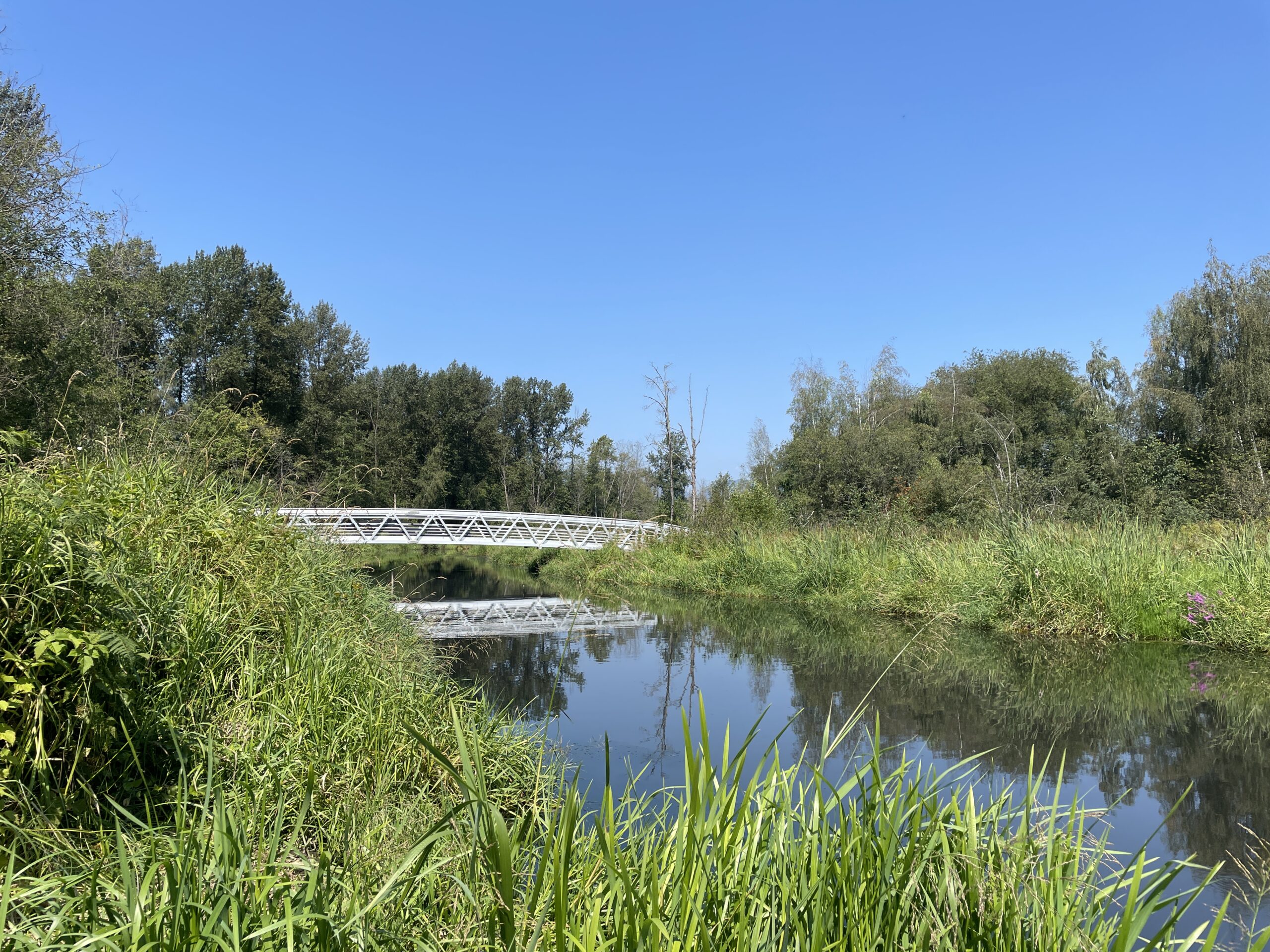
Bridge over Still Creek, post-run.

Stats:

Run 875
Average pace: 6:07/km

Training status: Productive
Location: Burnaby Lake (CCW)
Start: 11:53 a.m.
Distance: 5.03 km
Time: 30:44
Weather: Sunny
Temp: 23-24°C
Humidity: 67-65%
Wind: light to moderate
BPM: 155
Weight: 167.0
Total distance to date: 6,235 km
Devices: Garmin Forerunner 255 Music, iPhone 12, AirPods (3rd generation)
Shoes: HOKA Speedgoat 6 (20/43/63)

The fun of getting inside a PC

I forgot to take pictures, so enjoy this stock image instead! Photo by Nathan b Caldeira

Yes, the title is part sarcasm. But only part, because the worst part of adding an internal 2.5 inch SATA SSD to my PC was getting the computer to sit on the set of wheels I use to keep it off the carpet (to reduce dust ingress). I eventually gave up on the wheel and now the PC is elevated on a sturdy box.

But I missed that two opposing wheels were still locked (my bad), so I’ll probably go back to the wheels eventually.

As for the installation, I was smart enough to make sure I had all parts before proceeding, then gave the internals of the PC a good cleaning (minimal dust since the last time). Once ready for the work I gathered the needed tools and took the PC to the kitchen counter, where I could work in good light and at a sensible height. This helped so much that I did not use any colourful metaphors during the installation.

The drive was successfully installed and will now be (at least temporarily) the home for my Linux adventures. The reason for going internal is the external drive (an M2. SSD in an enclosure and connected via USB 3.0) would very occasionally lose connection to the system, which means the OS just kind of dies and could get corrupted, etc. So right now that drive is going to be more like phat temporary storage or something.

I’ll have another post about my Linux misadventures soon.™

Also, I’ve decided that when I eventually build my next PC, I’m going all out on internal connections on the motherboard, no matter the expense. What I want:

  • Probably 3 M.2 slots for SSDs. Yes, 3! I don’t want to run out of internal storage, and I don’t want to have to plug in external storage.
  • But if I do need to plug things, in I want USB-C and not just internal headers, but at least 1-2 external ports supporting a minimum of 20 GB transfer speed.
  • Maybe even Thunderbolt or USB 4 to go all the way to 40 GB.
  • And covered in RGB lighting! Just kidding. I do not want my PC to be a source of light.

The mystery of the powder on the scale

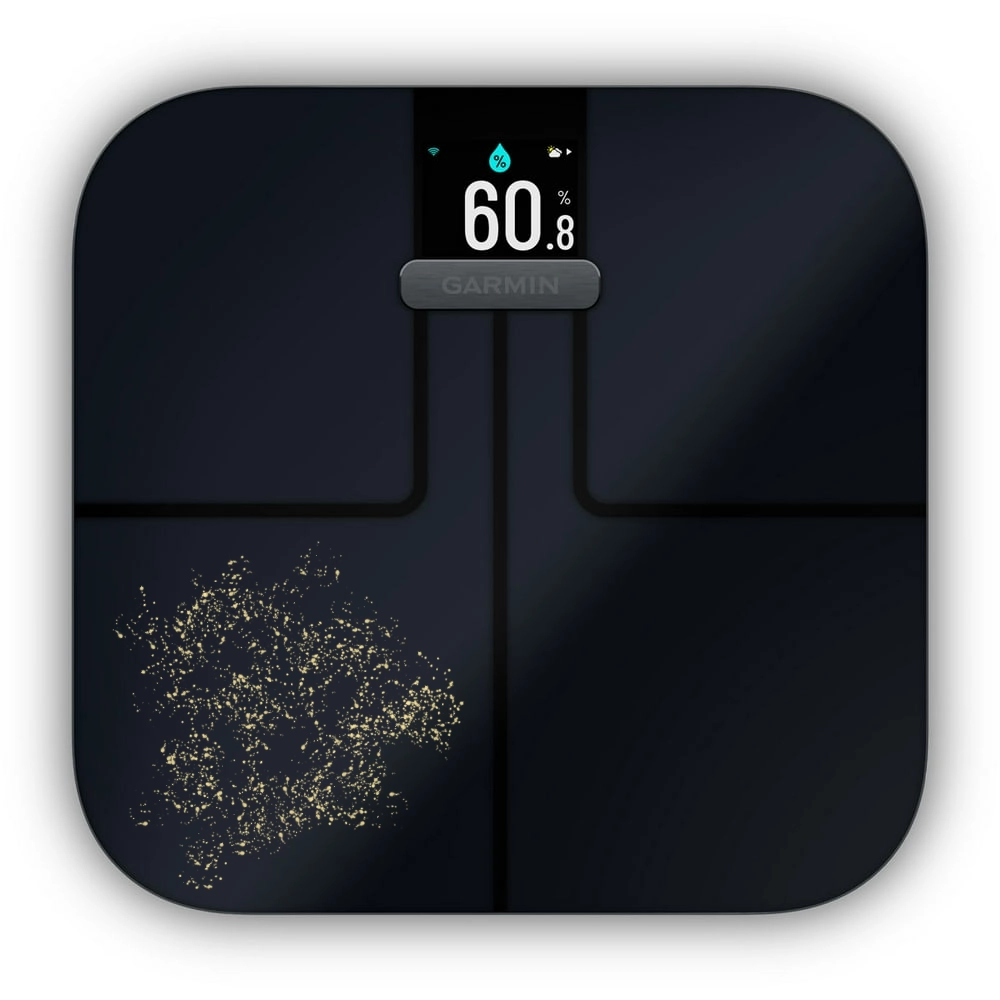
Yesterday morning I got up and, as I always do, stepped on the Garmin scale in the bathroom to weigh myself. Except before stepping onto the scale, I stopped, because there was some kind of coarse powder sprayed on it. Alas, I did not take a photograph, which will become more relevant in a moment. I did, however, put together this simulation of the scene in Affinity Designer:

Because I had just woken up, and my brain was operating at like 15% capacity, my priority was to clean this stuff off the scale, weigh myself, then get on with the day. I figured Jeff would have an explanation for the powder.

He did not, as it turns out, and this is where I wish I’d taken a photo, because while my depiction above is pretty close to what I saw, a photo, examined all zoomed-in, might better reveal what exactly this stuff was.

With neither myself nor Jeff laying claim to having caused the powder to land on the scale (I wiped the floor around the scale, but it did not seem like much of this stuff landed there), the obvious questions arose:

  • How did this powder end up on the scale?
  • What exactly was it?

The answer to both questions: I don’t know!

There is no apparent source for the powder. There is nothing like it in the bathroom, or anywhere else in the condo. It did not fall from the ceiling or come off the walls. It was not tracked in. It seemingly just appeared during the night and was there when I went into the bathroom early yesterday morning.

It did not return this morning, which is good, but does not lessen the general freakiness of its appearance.

If it’s an omen, I have no idea what it would mean. Clean more often? I mean, that’s always good advice.

I will update this post if more mysterious powder appears.

Walk 120: Made in the shade

River trail, around the 2 km mark.

After several days of general loafing and skipping Friday’s run because my watch said so, I did an 8K walk/run today, with lots of running.

Surprisingly, despite the temperature feeling like 30C, it didn’t feel overly oppressive, thanks to a combination of a decent breeze and plenty of shade (the good kind of shade). The river trail was not very busy, perhaps because of my late afternoon start, but this also meant no dogs, which also means no dogs off leash. Woo.

Other than that, it was fine. I ran probably 3/4 of the way back and felt good. I had a sort of pleasant loping pace going.

Stats:

Walk 120
Average pace: 8:16/km

Location: Brunette River trail/Burnaby Lake
Distance: 8.02 km
Time: 1:06:18
Weather: Sunny
Temp: 28-27°C
Humidity: 48-50%
Wind: light
BPM: 129
Weight: 167.2 pounds
Devices: Garmin Forerunner 255
Total distance to date: 873.88 km

July 27, 2024 gallery is up!

I feel like it’s a miracle every time I complete a gallery these days. But I have incentive, because my OneDrive storage is starting to max out. Gotta clear out all those RAW images.

Also, I should note a weird and whacky workflow for this batch of shots in terms of post-processing:

  • I started with Affinity Photo 2, editing RAW images, then exporting them as WebP files. Yes, WebP!
  • I then switched to Luminar AI (it had the name before AI became associated with everything terrible in the world) and used that the rest of the way. This program lets you aggressively alter specific aspects of a photo using very simple sliders. I used the sliders a lot. I was actually impressed at how it “saved” a few iffy photos.

Anyway, I may use Luminar more in the future, especially if I want to add random giraffes, which it totally lets you do.

On our encroaching “AI” dystopia

I put “AI” in quotes because it’s not really about intelligence at all, people just glommed to the term because it:

  • Already existed
  • Sounds futuristic
  • Sounds high-tech

Google released an ad that has been airing during the Paris 2024 Summer Olympics (as an aside, this is the first Olympics that has been known probably as much for its meme generation as the athletic competition) which showed a father helping his young daughter write a fan letter to Olympic athlete Sydney McLaughlin-Levrone–by using Google’s Gemini AI.

The ad (and Google’s defense of “it tested well”) is wildly tone-deaf and a prime example of how people don’t want AI to work. Leave the creative stuff to humans, AI can handle the drudgery. And yet a lot of the big AI push is the exact opposite.

Ars Technica story: Google pulls its terrible pro-AI “Dear Sydney” ad after backlash

In the comments to the above story is the following comment, which resonated with me:

A growing number of people expect the AI bubble to burst, it’s just a question of how soon.

I’m thinking it will be sooner rather than later. We’ll see what happens by the end of the year!

Movie Review: Love, Simon

I reviewed the book (published in 2015) this movie is based on back in 2018, which feels like another lifetime ago. I found the characters smart, likeable, and far more quippy and quick-witted than I could ever manage, and the story an entertaining slice of teen life, with complications.

All of this holds true for the movie version, which came out the same year as the book. I caught it on Disney+ and have watched it three times now, most recently just yesterday, because watching this movie is like hugging the world’s softest, friendliest puppy.

I never reviewed it, because I am very lazy when it comes to movie reviews.

But I’m reviewing it now, because it’s fresh in my mind, and it is very faithful to the book, right down to the characters all being adorable, yet believable.

The only significant change from the book that I noticed (it’s been six years, there are probably more) is the musical in the story they perform at Creekside High is Cabaret instead of Oliver!, perhaps because Cabaret better known and offers more sizzle for the rehearsal scenes.

Seeing, rather than reading, about Simon’s teen life, underscores how on the surface everything is great–his family is well-off, they all love and support each other and Simon even admits his family would likely be fine with him announcing he’s gay. So unlike coming out stories from three or four decades ago, this one is less about being accepted as gay (although there is a smidgen of that) and more about keeping secrets, finding your identity, first love, and the value of friendship. All things that are perfect grist for the teen angst mill. Yes, that’s what I said: the teen angst mill.

The movie never wanders far off from its lighter touch, but when the bottom falls out on everything for Simon before the final act, you can’t help but feel bad for the guy and the foolish decisions he’s made.

Another thing I like is the cringy way they show teens acting. I remember high school. I was a cringy teen. The music is different now, but those vibes are eternal.

One of my favourite bits (and spoiled in previews) is very early on, where Simon is sitting in his car in the driveway and watches a very hunky gardener across the street with a weed whacker. He calls out to him about how he likes his boots, then instantly realizes how dumb that sounds. It’s delightful.

The whole film is delightful. I’ll probably watch it again someday. Yes, it’s aimed at high school teens, but it’s just so warm and fuzzy–and witty–that I can’t help but be drawn in. Maybe part of it is nostalgia. For all the changes in the last 40 years, this movie still captures the high school experience in ways that I can recall vividly.

Highly recommended, especially if you just want to watch good people go through some ups and downs, then triumph in the end.

Random trivia: Strange as it may seem, this was the first major studio film to feature a gay teen romance. 2018!

Windows 98 disk defrag simulator

Yes, it is exactly what it sounds like. I’ve seen it linked a few times and it is charming in that retro way I like, so I’m linking to it, too.

Windows 98 Disk Defrag Simulator

I’m not saying I wish I had to defrag disks again, mind you. This just recalls a simpler time and, perhaps, one where you were more directly in control with what happened on your home computer1Speaking of nostalgia, I remember when people consciously drew a distinction between a work computer and a home computer.

Ah, sweet (?) nostalgia…

Linux hijinks, Part 6 or so: Pop!_OS first impressions

First, the name is twee and annoying to type, so I give them some credit for so effortlessly mimicking one of the worst aspects of Apple. But it is a superficial aspect, so let’s move on.

Installation

I have a spare 1 TB M2 SSD (holy initialisms1Yes, I am finally learning to stop using ‘acronym’ when the letters don’t actually make a pronounceable word, like SCUBA or NASA, though I suppose there might be someone out there who pronounces SSD as ‘sssdee”, Batman) in an enclosure and attached to my PC via USB 3.0, so transfer speeds are not terrible. I chose Advanced options during install and was able to get the OS in place without consulting any documentation. Victory!

What I didn’t realize at the time is that Pop!_OS doesn’t install a boot manager when you install it alongside another OS, so every time I restart my PC, it automatically boots into Pop!_OS, which is nice for it, but bad for me, because my primary operating system on the PC is still Windows 11. The interim fix is to tap F8 while rebooting, then select the Windows drive. Windows 11 loads normally after this. There are methods of creating a boot manager with Pop!_OS, but none are exactly simple, so I’ll probably leave it for now.

This does mean that removing the OS later will be simpler, since all I’ll need to do is boot into Windows 11’s recovery mode and execute this command at the command prompt:

bootrec.exe /fixmbr

As mentioned in a previous post, I kept getting pop-ups that the OS wasn’t working during install and had to keep dismissing them. This was annoying, but only added a bit of time to the install. Once done, it was simple enough to download my most-used apps from the Pop app store:

  • Thunderbird
  • Signal
  • Discord

Some apps I use are already included, most notably Firefox, but the list of apps I use that aren’t available at all in Linux remains a little too long:

  • Diarium (daily journal)
  • TickTick (to do list/reminders)
  • Affinity Designer (vector drawing)
  • Affinity Photo
  • Pixelmator Photo
  • Media Player (yes, I like it and use it!)

There are other apps I use, but haven’t installed yet. I used the Pop!_OS ISO with Nvidia drivers included, so this in theory means gaming should be simpler to set up. I’ll find out when I install Steam.

Built-in applications

Other than Firefox, you get the LibreOffice suite and a bunch of usual utilities like a calculator and such. I may tinker with LibreOffice to see how well it works with Word and Excel files (which I regrettably still use with others).

A lot of the included applications are more like applets–minimal, but functional. There is a built-in weather app, but it’s much simpler than the one in Windows 11 (though it doesn’t run ads, which the one in Windows 11 now does, to my noted chagrin). I may have more thoughts on these as I poke around.

User Interface and Design

The closest comparison to the GUI Pop!_OS uses is probably macOS. There is a dock, and also a bar that runs atop the display, reminiscent of the menu bar on Macs. It offers a decent amount of customization and in the end it didn’t feel like it was blatantly copying macOS. The “super” key (Windows key) defaults to a command line launcher, which is one of those handy things I now miss when it’s not available in any OS.

The system defaults to dark mode, but I’ve recently become a light mode convert, and switching over is easy. The title bars on windows still remain dark, which is a style choice I’m not sure if I agree with. I haven’t looked too much into customization here, so I’ll definitely have more thoughts on this later.

The system itself felt reasonably responsive, with moving windows, clicking and dragging all feeling zippy enough. My hardware was all configured automagically, including:

  • Bluetooth
  • Wi-Fi
  • Brother printer
  • Mouse (settings for this are minimal, we’ll see how that works out)

More to come

The fun par comes the next time I restart the PC and see if Pop!_OS loads smoothly or blows up. I’ll post more thoughts then, from within the OS itself (yes, I am being all ironic by writing this post on the Windows 11 side of things).