Photo by Leah Newhouse. Also an accurate reflection of how I type.
Sort of.
The AI debacle over at National Novel Writing Month prompted me to look at my collection of unfinished novels and ask myself, “Hey, would I like to start yet another novel and probably not finish it?”
And the answer is…maybe!
The nice part is that this time I’d be doing it outside NaNoWriMo, meaning I can work on whatever schedule I like, such as:
Write 500 words per day
Write 1,000 words per week
Think, sincerely, and at length, about one really great idea for a novel while writing absolutely nothing
Write 2,000 words, start over in a different piece of software, then repeat several times before being distracted by something else
Switch to longhand, write three pages, have my hand cramp up horribly and wonder what the hell I was thinking
Look, it would have been a great novel, OK?
I’ve got options, is what I’m saying. Let’s see what happens next!
This is enough icons to fill about six and a half rows. Eying it now, I’d say it covers about 20% of my very cool-looking Mars wallpaper–so it could be worse. Roughly five times worse, if my incredible math skills haven’t failed me. Still, it’s clear I’ve become lazy and turned the desktop into a dumping ground for all kinds of junk.
Or have I?
Well, yes. Yes, I have. But there’s also a practical reason. The desktop is always right there, so it’s easy to grab a file from it, rather than rooting around in File Explorer. But I could, of course, clean up all these files after I’ve made use of them (they are typically screenshots or other things I only need to keep handy in the moment, not forever and ever). This is where the lazy part comes in.
I’m going to clean them up right now. I will insert simulated time below and report the results.
…
…
Well, that took longer than expected, but the final result is:
A bunch of files moved to appropriate folders
A bunch of files deleted
Only two icons remain on the desktop, one of which is the Recycle Bin
File Explorer also crashed toward the end of the clean-up, possibly because I had the temerity to have about five tabs open.
In all, success! Now to get just as organized off the computer.
View from Cariboo Dam, pre-run: Return of blue skies.
Good news! Only two dogs tried to attack me. Wait, that’s not good news, that’s terrible news.
Lousy dog owners.
The real good news is both dogs were on leash and I had enough room to keep clear.
As for the run itself, it was full of surprise and adventure, even when dogs weren’t wanting to tear chunks from me for unknown reasons.
First, I had my keys secured in the zippered back pocket of my shorts, as usual. The pocket keeps them very secure–they don’t move at all while I run. Except today they did. It felt odd. I wondered why they were moving. At one point it was clear they had shimmied to the mid-point and were starting to tickle just above my butt, which proved a bit distracting. But not for long!
Because shortly after that, I felt the keys shift, drop and fall onto the trail. I picked them up, felt the new hole in the back pocket, then put them into the zippered pouch with my phone, where they stayed for the remainder of the run. Bottom line: I need new shorts. Or duct tape.
Adventure: I got my orthotics way back in 2016. They should probably have been serviced, or whatever the term is, about two years later. Eight years later they still haven’t been and are getting beaten and worn. Today I opted to not wear them for the first time in those eight years, and instead wore a pair of Dr. Scholl’s Walk Longer™® insoles. My feet felt fine for the run. The walk back the left foot felt…different, but not achy or horrible. Now that I’m home and typing this, both feet feel fine, so I’ll keep the insoles in the shoes for now and see how it goes (my secret theory is the orthotic in my left shoe was actually contorting my toes in a way that may not have been good for them, as they seem less sensitive than before).
Conditions today were much nicer than earlier in the week, with near-seasonal temperatures and a pleasing mix of sun and cloud. My pace flagged around the 4K mark, but I compensated even more than I anticipated in the final km with a blazing pace of 5:24/km. My overall pace was 5:39/km, my best for the week.
Overall, I am pleased with another full week of running under my virtual belt.
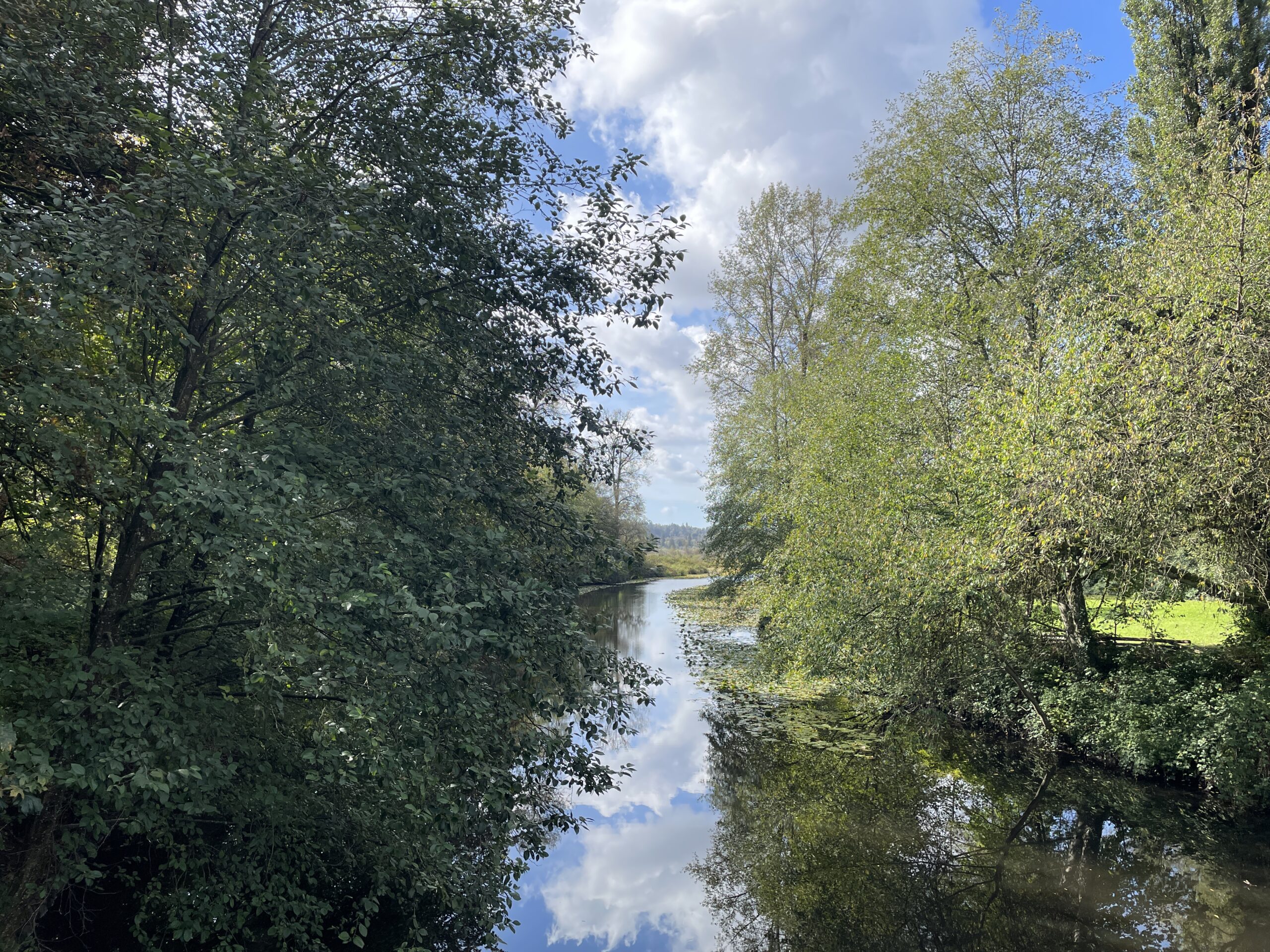
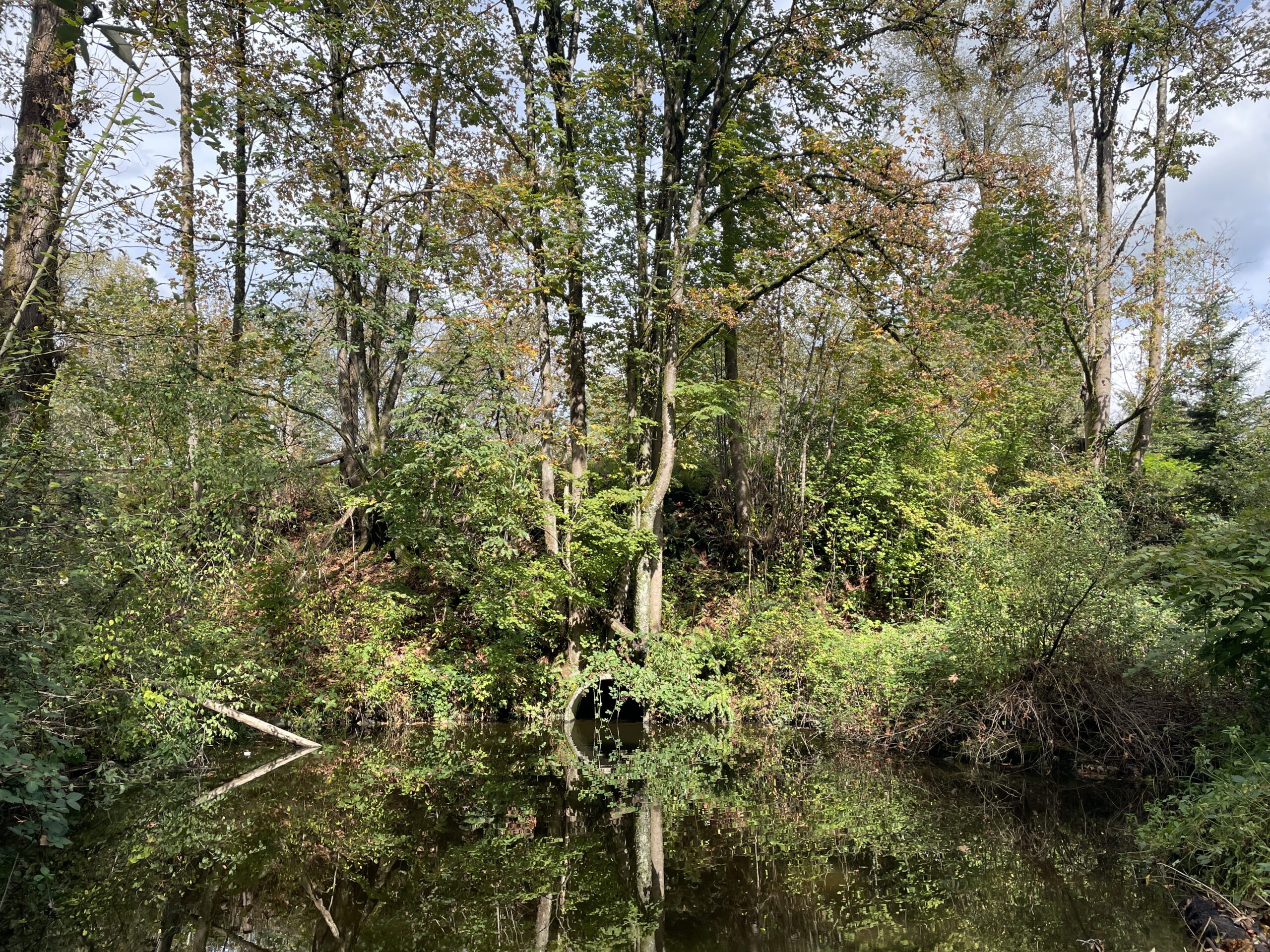
Reflective pond along the Brunette River, post-run.
Stats:
Run 890
Average pace: 5:39/km
Training status: Productive
Location: Burnaby Lake
Start: 12:52 p.m.
Distance: 5.03 km
Time: 28:25
Weather: Sun and scattered cloud
Temp: 18°C
Humidity: 67-64%
Wind: light
BPM: 149
Weight: 165.9
Total distance to date: 6,310 km
Devices: Garmin Forerunner 255 Music, iPhone 12, AirPods (3rd generation)
Shoes: HOKA Speedgoat 6 (95/181/276)
UPDATE, The Next Day: Turned on the PC this morning (it is running Linux Mint at the moment) and the left monitor (HDMI) was working normally. When I powered on the right monitor (DisplayPort, but different cable), it was flashing and not working, so same behavior as before. It eventually went dark after 5-10 minutes. I turned the monitor off, then back on again and it started up normally. This suggests the cable is either not the issue or I indeed have two bad DP cables. I may try going full HDMI before the end of the day to see what happens tomorrow.
For a while now, I have been experiencing some weirdness with my displays. I have two 27″ monitors, both the same model, connected as follows:
PC: DisplayPort
Mac: HDMI
The weirdness does not happen on the Mac, so it seems related to DisplayPort (DP) somehow (maybe), but the cause could be:
Windows 11
Bad DP cable
Bad video card
Bad monitor
So far, I have determined the following:
Windows 11
Bad DP cable (maybe–see below)
Bad video card
Bad monitor
Because the issue happens in Linux Mint, which is like the anti-Windows, it doesn’t seem to be an OS issue. What exactly is happening, you ask? Several things, each horrible in its own special way!
The right monitor will sometimes glitch out after being turned on in the morning. The screen will flicker madly, and then sometimes lose signal altogether. If left alone, it eventually will start working normally. Usually rebooting the PC will also fix it.
Sometimes both monitors will lose the DP signal entirely and just go blank. I don’t know if the signal recovers on its own in this situation, but some testing suggests that if it does, it takes longer than I’m willing to wait (hours, at least).
Something I just noticed today: The DP and HDMI (to Mac) connectors on the back of the right monitor will get very warm, even hot, after a while. They remain cool (normal) on the left monitor. This, along with a dead pixel on the right monitor, leads me to think the right monitor is ailing, even if it isn’t the ultimate culprit.
Tonight I lost the DP signal on the left monitor, which is unusual, but it happened after swapping DP cables, so maybe there is a bad cable. I have cast the possibly bad DP cable aside, but don’t have a spare one that will reach to replace it, so right now the PC is connected with a combo of DP and HDMI. The DP cable that is now connected to the right monitor is the one previously connected to the left, so it may be good. Or “good.” But as noted above, I’ve sometimes lost signal on both monitors, which would mean two bad cables (theoretically possible) or, more likely, a bigger piece of hardware has gone awry. Or gremlins and gnomes are involved.
Anyway, I’ll see what happens, but for the moment both monitors are working and nothing seems to be getting super hot (yet). I will shut the monitors off when I go to bed and see what horrors await me in the morning when I turn them back on.
The best case scenario is that it is just a bad DP cable. The worst case is pretty much anything else, because both the monitor and video card would be very expensive to replace.
Computers are fun1They are! It’s actually rare for me to have hardware issues, so it’s especially annoying when they happen, particularly when the cause is uncertain..
UPDATE, September 27, 2024: Fixed some details. Also, here is a longish piece by Josh Collinsworth that covers the whole sorry affair in detail. The only thing missing is Mullenweg's announcement to give WP Engine a four-day "reprieve", written in the same churlish tone as everything else he's put out recently. I would not invite this guy to your next birthday party.
It seems that a dispute has erupted between WordPress and WP Engine, a company that makes use of WordPress in ways that the WordPress founder and CEO Matt Mullenweg apparently does not like. There are cease and desist letters, lawyers and all that involved now.
This has led to a couple of unusual entries in the normally quiet WordPress Events and News section of my blog’s dashboard, as seen below.
Clicking the links (you can’t click them in the image, sorry!) will lead to the WP founder saying mean things about WP Engine, even calling it a “cancer.” He had threatened to bad mouth WP Engine at a major public WP event (ironically sponsored in part by WP Engine) if WP engine didn’t share some of their sweet lucre with him through some vaguely defined licensing something-or-other that Matt appeared to have invented very recently. WP Engine asked for more time, Matt took that as no and the bad-mouthing took place). It’s ugly all around.
And what this person–the CEO and founder of WordPress–has done has made people start to question the actions of WordPress as an organization, and how much it can be trusted moving forward. It takes a long time to build a good reputation, but only moments to ruin one.
I was already revisiting my (ever)quest to move my blogging, and this is…helping. I’m not sure if that’s the outcome Matt Mullenweg was looking for.
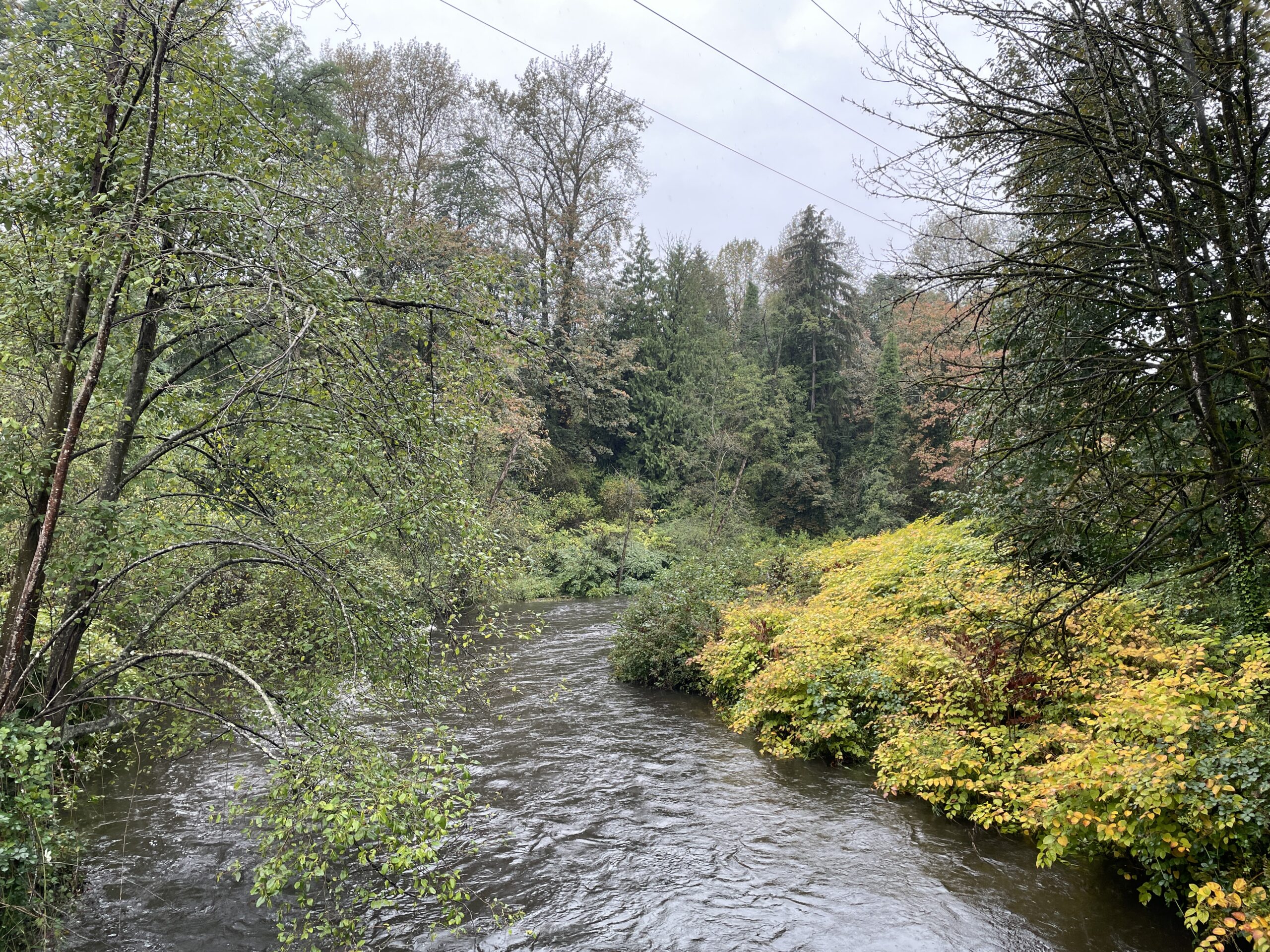
Brunette River, pre-run. Significantly higher than yesterday!
I did not want to run today, hence the late start.
It was raining, I was concerned about my knees and did I mention it was raining steadily? Because it was.
But I still went out in the end.
The one advantage over Monday’s also-wet run is that on Monday it was more of a steady drizzle, which meant my glasses became impossible to see through. Today’s rain actually allowed for improved visibility. So yay for that.
I saw one other person on the river trail. He was wearing a raincoat and looked very wet. Perhaps unhappy, as well, though I might be projecting.
As for the run, it was fine! Surprisingly, my knees were not an issue at all. I started out a bit slower and had the same drop on the second and third km as Monday, but picked up the pace even more than the last time, to where my last km was 5:28/km. My overall pace was 5:40/km, also faster than Monday, though my BPM was up to 149, in part because of the faster running at the end, but also just generally working harder in yuckier, colder conditions.
That said, I am home now and drying out, so I’m glad I got out. Hopefully Friday will be a wee bit drier.
Xtreme waterfall, post-run.
Stats:
Run 889
Average pace: 5:40/km
Training status: Productive
Location: Brunette River Trail
Start: 12:48 p.m.
Distance: 5.03 km
Time: 28:29
Weather: Rain
Temp: 15°C
Humidity: 90%
Wind: light
BPM: 149
Weight: 165.3
Total distance to date: 6,305 km
Devices: Garmin Forerunner 255 Music, iPhone 12, AirPods (3rd generation)
Shoes: HOKA Speedgoat 6 (90/173/263)
The diary program I use for my journaling is Diarium (yes, I’ve talked about its unfortunate name before). It’s available on pretty much every platform, save Linux (and web). Unlike many people, I don’t write in the diary on my mobile devices, so I’m usually using the Windows or Mac version. Both have slight differences in UI, but generally work the same.
One key difference is fonts. The Windows version lets you use any font you want. I am using the new MS Office font, Aptos, because I like the way it looks. The Mac version only offers a small subset of fonts and I have no idea if this is just the default setup for any Mac program and easier to program or what, because other apps, such as Affinity Designer, will show you all fonts.
My point, though, is that when a program gives me a choice of fonts, I want access to every font available. If I want to write my journal in Papyrus or Comic Sans, let me! The Mac version of Diarium won’t let me and it makes me sad. 🙁 (I would use Aptos there, too.)
Anyway, this is my plea to app-creating wizards and gnomes: Always let the users choose from any fonts they have installed. It’s the nice thing to do. Also, make a Linux version, or at least make the Windows version behave nicely under Linux.