Do I miss software stores? Kind of!

A floppy disk. Kids, ask your parents! I graduated from 5.25″ floppies to DVDs over the years.

In the weird old days when you wanted software for your computer (because software for a portable phone was not a thing yet), you had to go to a physical store, buy a box with a disc in it, take it home, install the software, then hope (especially if it was a game) that the copy protection didn’t screw things up. If you didn’t want to insert the disc every time you ran a game like some kind of savage, you’d have to go to some skeevy-looking website and grab a no-CD fix.

Sometimes the no-CD fix worked flawlessly, sometimes it required the tech equivalent of arcane magic to work, sometimes it did nothing (or put malware on your PC).

I don’t look back fondly on any of the stuff I just described…except for the actual experience of looking for new software/games in stores. Back in the timeframe I’m describing, roughly the mid-1980s to the early 2000s, I would learn about new games through magazines like Computer Gaming World or PC Gamer. Or sometimes I would learn about them by actually finding the new games sitting on the shelves of a software store. It seems absolutely quaint now that this was how you could discover a game, but it’s true!

Some random memories:

  • Convincing a store clerk to sell me the Not For Sale version of the Commodore 64 game The Castles of Dr. Creep, circa 1984. A friend and I played it co-op in the store and I had to have it. I can’t recall what store I bought it from, other than somewhere just outside of Victoria.
  • Going to the Eaton’s store in Duncan and buying some generically-packaged versions of old Infocom games for cheap, back around 1985 (think Zork and a few others). To this day, I have no idea if these were legit copies. They were about $20 each, which was very cheap back then.
  • Buying OS/2 4.0 on floppy disk at Egghead Software. I don’t remember how many disks it came on, but more than a few! It was also surprisingly cheap, around $50 or $60 because IBM was trying to undercut Windows upgrade pricing. I never made much headway with it, and IBM abandoned OS/2 not too long after.
  • I want to say I bought my Windows 95 upgrade (on CD ROM!) at Computer City, where I worked during the launch of Windows 95 (at the Coquitlam store), but I’m not 100% sure. It seems like the logical place to have picked it up, and I know I grabbed it right away. I worked at Computer City for six weeks before quitting. The chain collapsed and vanished the following year.
  • Going to Super Software in Richmond and splurging one day by buying two games at the same time, each costing $50. I picked up Populous and SimCity, both for my Amiga 500. Probably the best 1-2 gaming purchase I ever made on physical media. Super software was also relatively gigantic and catered to every major platform back in the day: Apple II, IBM, Commodore 64 and Amiga, Atari ST, Atari 8-bit (and probably others I’m leaving out). It seems nutty how many different systems existed back then. There’s actually a 1989 commercial for Super Software on YouTube.
  • Buying the last copy of Age of Empires II (1999) at a Future Shop location on the day of release. It came in a gigantic box and had a relatively thick manual.
  • A few years later, I bought Medal of Honor: Allied Assault (2002), one of the first games to come in a mini box, with little to no documentation. Steam was only two years from launching and the end of physical media was nigh, though you’d be able to buy games on disc for some years after.
How barfing taught me a lesson

Two years ago, I got a combo flu/COVID-19 shot (two separate shots, just given at the same appointment). It went without incident, and I had an extra layer of protection through the flu season. Nice, I thought.

Last year I kept rescheduling the shots for reasons, then I got an infection (that wandered) and that distracted me, so I never did get vaccinated for that flu season.

We move forward to May 21st of this year, when I apparently caught a bug from my partner, resulting in me barfing copiously one memorable evening. I wondered afterward how I would have been hit if I had been properly vaccinated.

This month, when I got the reminder to get vaccinated from the provincial government, I booked an appointment as soon as I could and as I type this now I have two little round band-aids on my left arm from the shots.

I like to think I will never stop learning, even if I live to be 150 or a head in a jar, whichever comes first. And today, I demonstrated that all it takes for me is a gentle reminder in the form of remembering what it was like to spend a night violently emptying the contents of my stomach.

I got vaccinated. You should, too!

Also, this gives me another chance to show one of my favourite ill-conceived ads for flu prevention:

Yet more Linux hijinks (is it a sign? An omen?)

Last night, when I should have been getting ready for bed, I instead decided to fix my grub bootloader, which was displaying Linux Mint as Ubuntu. Easy to do in Linux Mint itself, as I already had previously installed a grub customizer.

I rebooted from Windows 11 and the grub menu came up, showing Ubuntu, as expected. I selected it and Mint loaded…but something was wrong. My second monitor stayed off and when the desktop loaded, it was locked to a resolution of 1920×1080 instead of the native 2560×1440.

Before diving into troubleshooting, I opted to just restart again first. This time, the grub menu correctly listed Linux Mint 22.2, which I was not expecting. But the one monitor issue persisted. The second monitor had just been working in Windows 11, so I didn’t think this was a hardware issue.

Again, I avoided troubleshooting (it was late, as mentioned, and I didn’t want to start going down rabbit holes), and instead went into the Driver Manager and did a very Windows thing in these types of situations–I updated the drivers, specifically the Nvidia drivers for my RTX 2070, sticking with the newer (and recommended) set. I rebooted again. The grub menu still said Linux Mint 22.2 and the monitors worked correctly when the desktop loaded. I had to tweak a few settings, like refresh rate, but everything was otherwise back to normal.

Then I went to bed, forgot about technology, and had a good sleep.

This morning, everything is still working as expected.

Hopefully this is the last of my PC drama for a while. I’m going to start speccing out a new system again. This one is closing in on seven years old, and I think it’s trying to tell me something, the computer equivalent of “duct tape can’t fix everything” or something like that.

Run 979: 10 but feels like 4

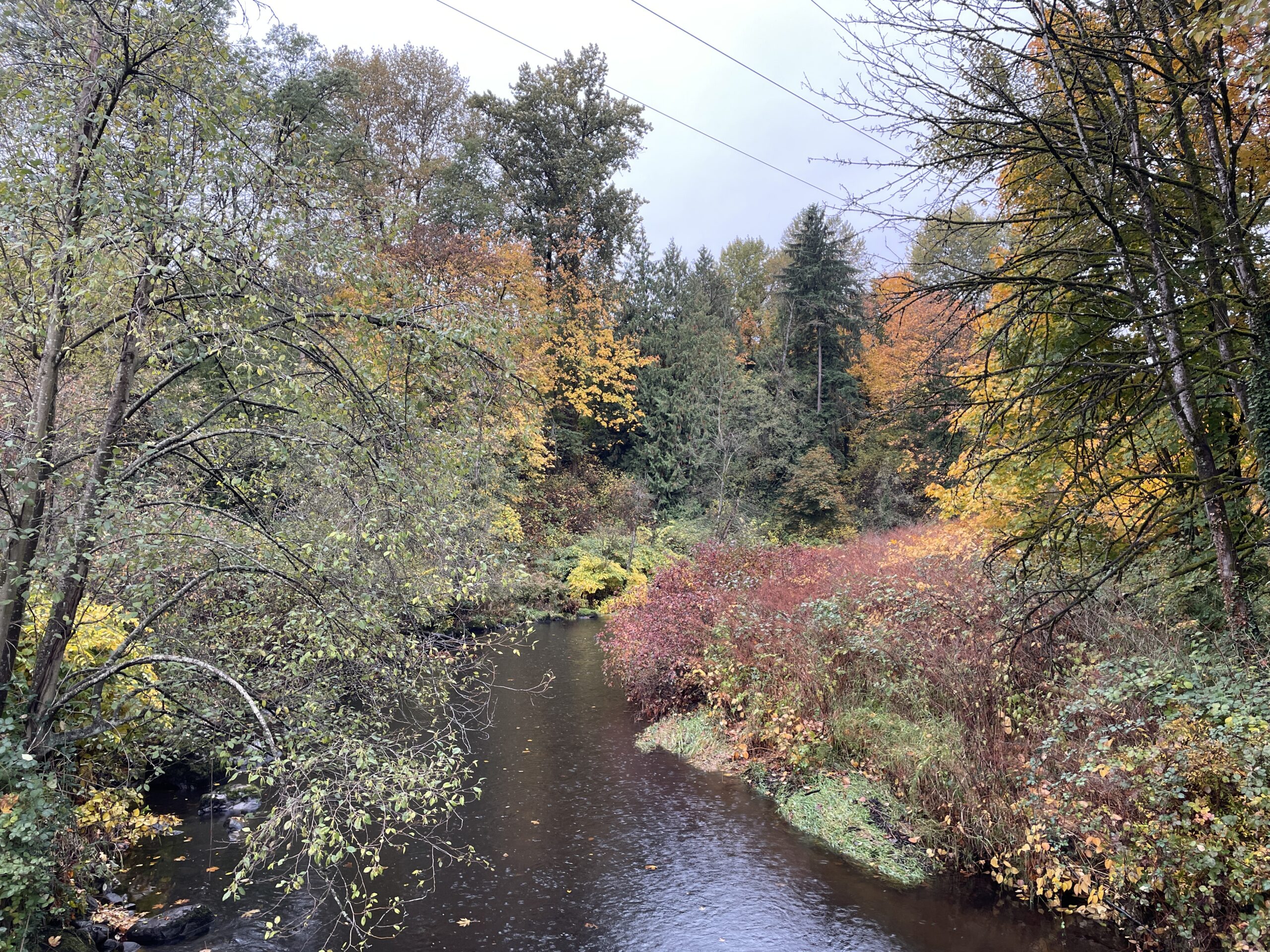
Brunette River, pre-run: A bit damp, a bit cool. But not Fonzie cool.

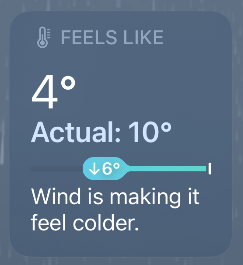
As per the weather app on my phone when I started the run:

That said, the wind actually settled down shortly after, though the real temperature never budged. I wore two layers and was wise to do so.

I skipped my usual Friday run because it was very stormy (high wind and heavy rain) and knew I’d have time today because The Rains would preclude birding.

Layered up, I headed out and en route opted for the river trail, as it was already raining.

Luckily, the rain remained fairly light and actually stopped about halfway or so through the run. I’m dry as I type this!

My plan was to just run without any particular plan, and I surprised myself when my opening lap was 5:37/km. I averaged 5:36/km and a BPM of 149, so overall a very decent effort. I seem to be getting in the 5:30ish range regularly now. My max. heart rate also improved, but my Training Status remains Strained, which still seems strange to me, but whatevs, as the kids say.

Still, I’m happy with the effort–and for not choosing to just skip the run altogether, which would have been easy from sitting inside my warm, dry condo.

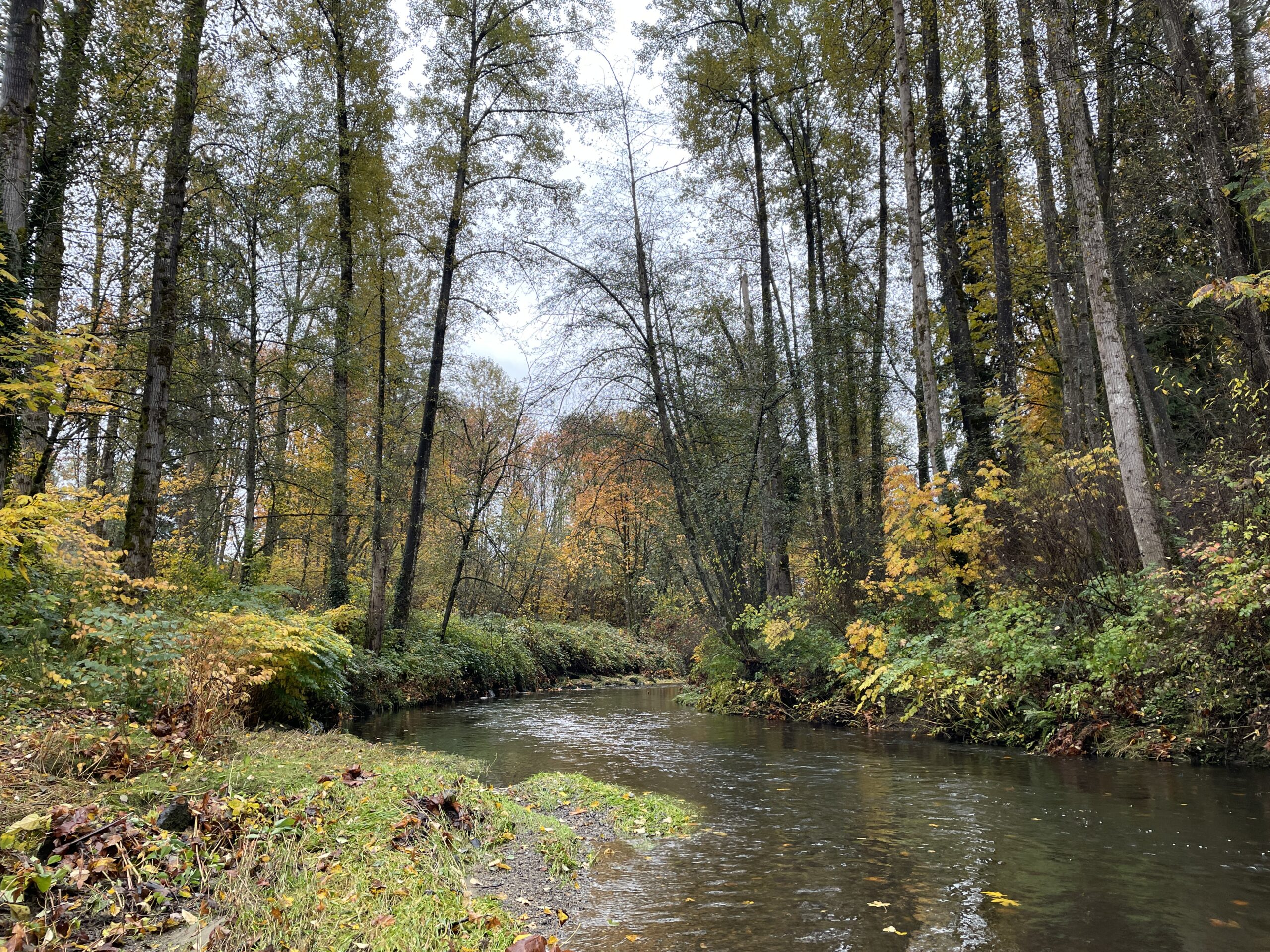
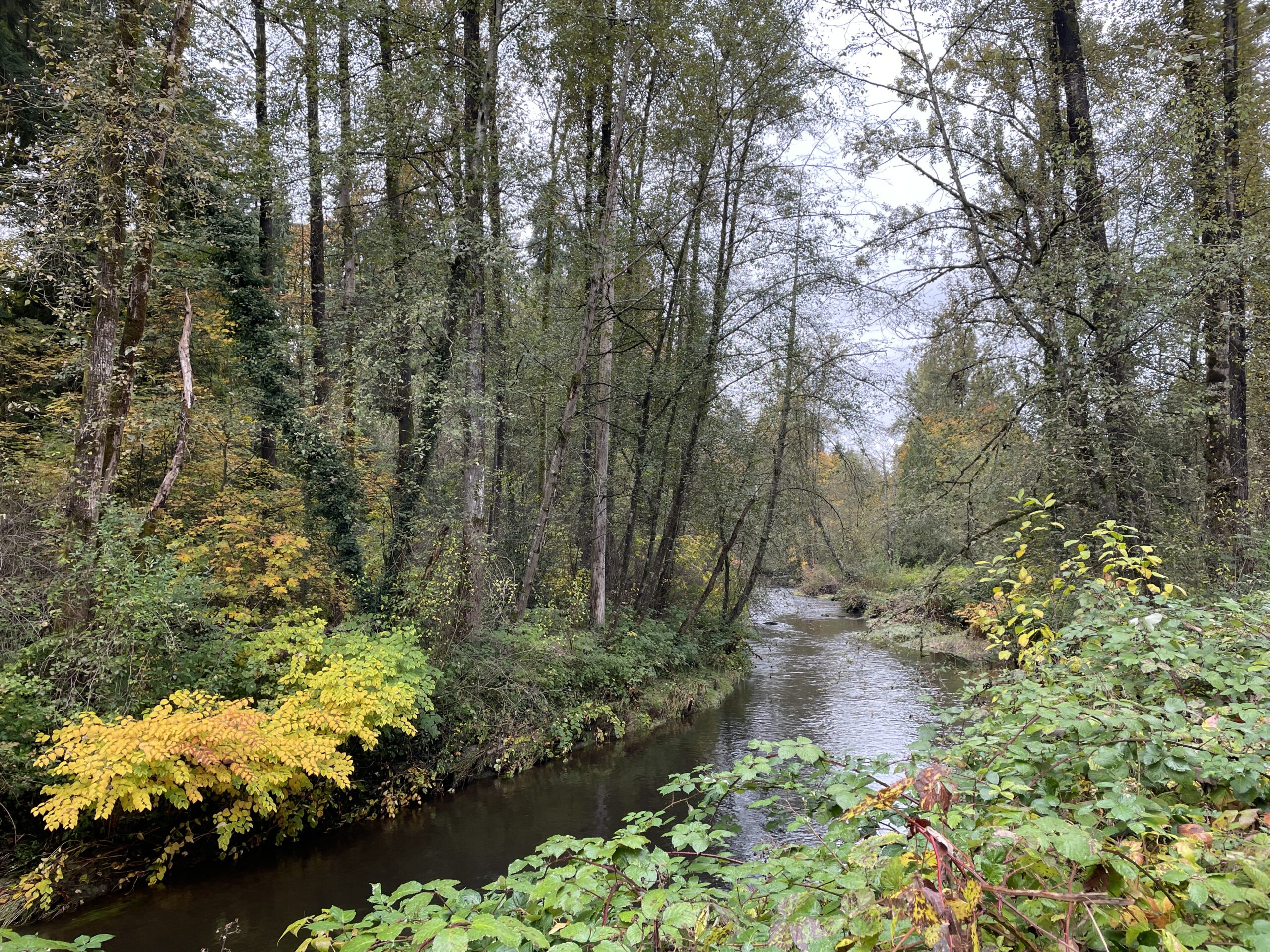
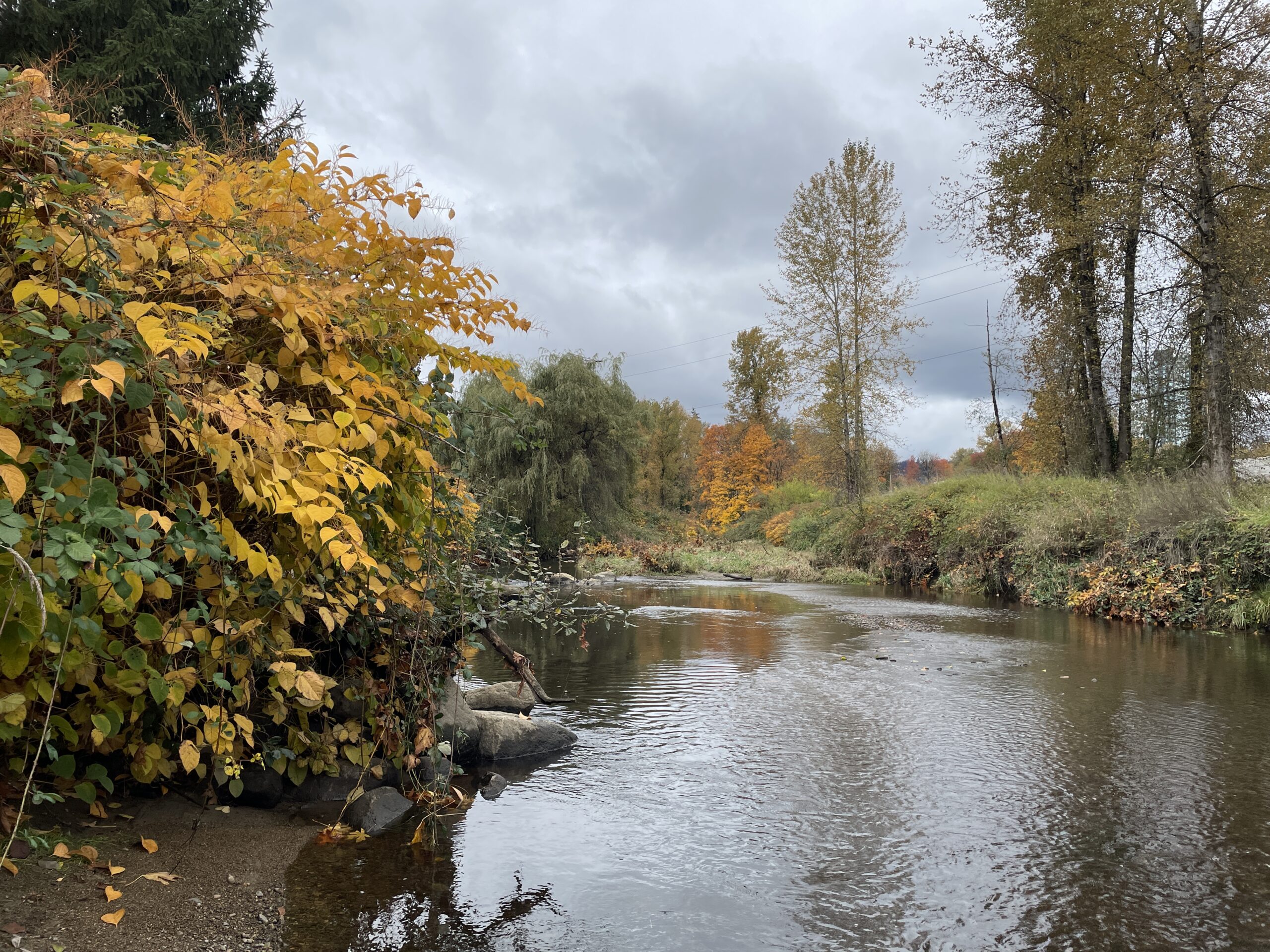
The river, post-run.

Stats:

Run 979
Average pace: 5:36/km

Training status: Strained
Location: Brunette River Trail
Start: 12:26 p.m.
Distance: 5.03 km
Time: 28:09
Weather: Cloudy, light showers
Temp: 10°C
Humidity: 78%
Wind: light to moderate
BPM: 149
Weight: 163.9 pounds
Total distance to date: 6,725 km
Devices: Garmin Forerunner 255 Music, iPhone 12, AirPods (3rd generation)
Shoes: ASICS Trabuco Terra 2 (320/678/998)

Music: Green, R.E.M.

I fixed the grub (again)

Penguin time again!

This has nothing to do with food preparation. If only it did.

As mentioned a few days back, I was playing around with a few Linux distros. Most of the well-established ones allow you to install them alongside other operating systems (usually Windows, but could be another Linux distro). One of the ones I tinkered with was Pop!_OS, which is Ubuntu-based, and I forgot it does not do this.

What it does is it declares itself the One True OS and the only way to access anything else is to mash the F8 key when booting up and choosing a boot partition, like some kind of caveman.

I’d had this happen once before (probably the last time I messed around with Pop!_OS) but couldn’t remember the details on how to fix it, so off I went to the interweb. I’m recording the process now for the inevitable time I do this yet again.

First, grub is actually GRUB and is an acronym for GRand Unified Bootloader and the version I’m using is GRUB 2. You can read a little more about it here.

By not supporting grub and doing its own thing, Pop!_OS would just boot automatically, never giving me the usual menu and 10-second (default) time to choose which OS to run after a reboot.

To get my grub working again, I had to repair the grub using these steps:

  1. Boot using a Linux Mint live CD (in this case, actually an ISO file living on a USB stick).
  2. Open the Terminal and install a program called Boot-Repair.
    • Command: sudo apt install boot-repair
  3. Update Boot-Repair, then run it.
  4. Important: Choose Advanced Options and make sure I select the right partitions that Mint is on (in this case, it has its own internal SSD) and copy and paste the necessary commands into the Terminal when prompted.
  5. Remove the USB stick and reboot.
NOTE: Since I still had a working Mint install, I could have mashed F8, booted into Mint and installed Boot-Repair and run it from my actual copy of the OS, rather than from the USB stick, but I only figured this out later, because my brain likes me doing things the hard way, at least the first time. More here.

It worked and I have my boot menu back. It was even nice enough to keep Pop!_OS listed after it was acting like a punk and trying to take over. The only hiccup is Boot-Repair sees Linux Mint as Ubuntu, as it is an Ubuntu derivative. Unless I actually install Ubuntu itself again, this isn’t an issue, though I can use a graphical grub editor to tweak the name if it really bothers me (it will probably eventually other me).

In the end, it was a hassle, but now I’m both better prepared and (hopefully) smarter about this for the future.

I’m still toying with making my next PC Linux-only, which would mean no need for grub at all. I feel I’m pretty close to that now, as I find working in Mint pleasant and Windows 11 regularly annoys me (to be fair, it has a bunch of stuff I really like, but it’s akin to a plate of yummy food where you have to keep picking out little rocks before you can enjoy it1Or whatever analogy you prefer. All analogies kind of suck.).

Calm is the bomb (also, an MRI update)

Calm is the bomb. Serene is keen.

These are thoughts I had today while out on a walk. It is mild out and we are between showers. I’ve been thinking about how the world at both the macro and micro levels are somewhat of a dumpster fire, and how that makes me angry. But I need to recognize that anger and do things to channel it productively. And I will, starting with this post by writing the thought out.

***

Also, here is my MRI update:

I got a call from the doctor today (phone appointment) and correctly predicted a few things:

  • The MRI would be inconclusive (it was)
  • Further testing would be needed (it is)
  • Said tests might include a biopsy (this was mentioned)

What the doc confirmed:

  • The mass in my chest (about 2 cm around) is not affecting anything else around it
  • It has not changed size since the CT scan back on (checks blog entry) January 9th
  • It could be a tumour (cue Arnold saying, “It’s not a too-mah!”)
  • If a tumour, it could be cancer (benign or otherwise)

I am not overly concerned, because I had recent blood work that came back negative, this lump has not grown, nor has it had any impact. But you never know, and that’s what makes our bodies so mysterious and magical.

Next up:

  • Another CT scan
  • Consultation with a thoracic surgeon to see what they think
  • Possibly a biopsy, depending on the above
  • Ice cream. I’ll need ice cream at the end of this.

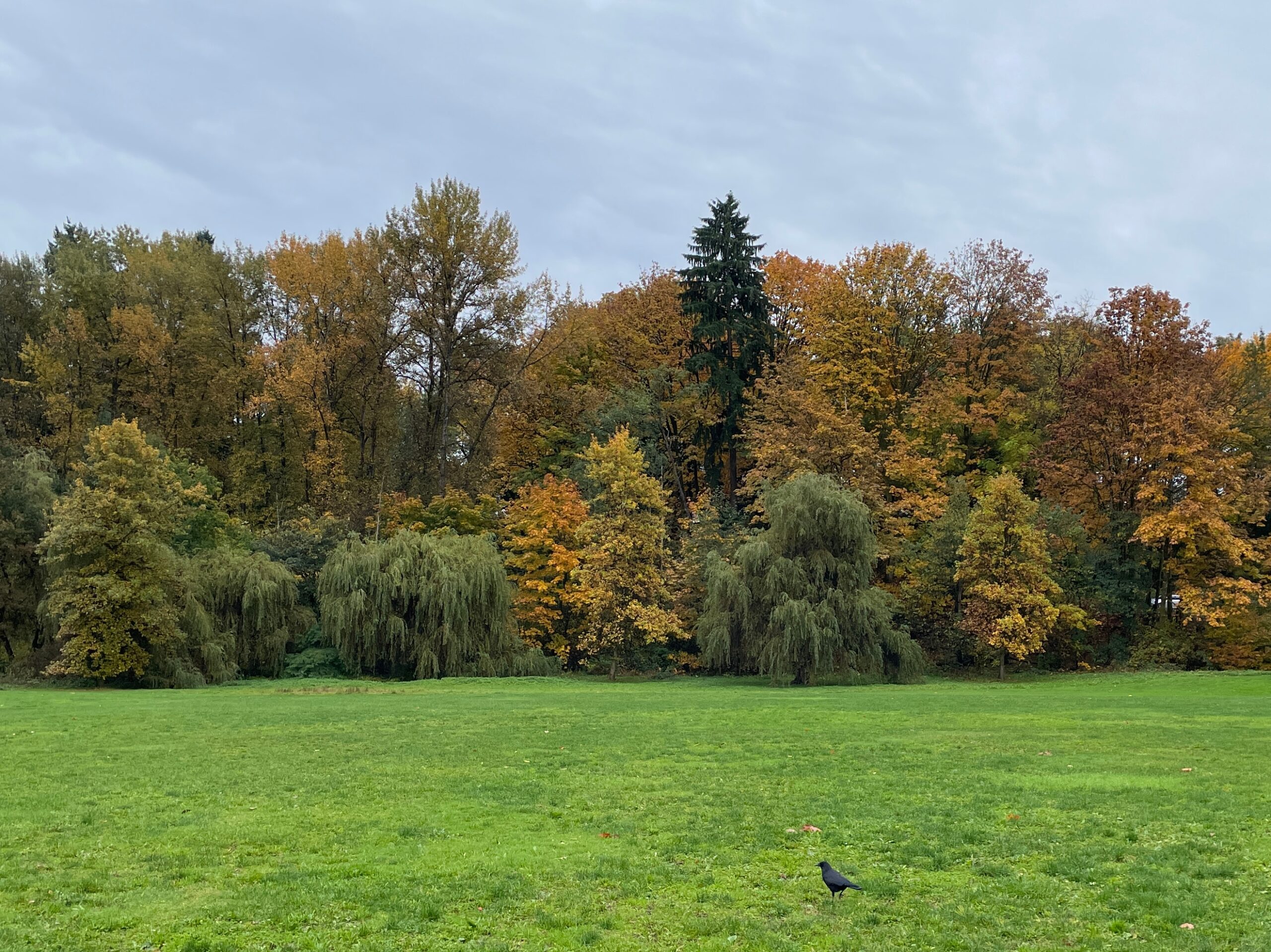
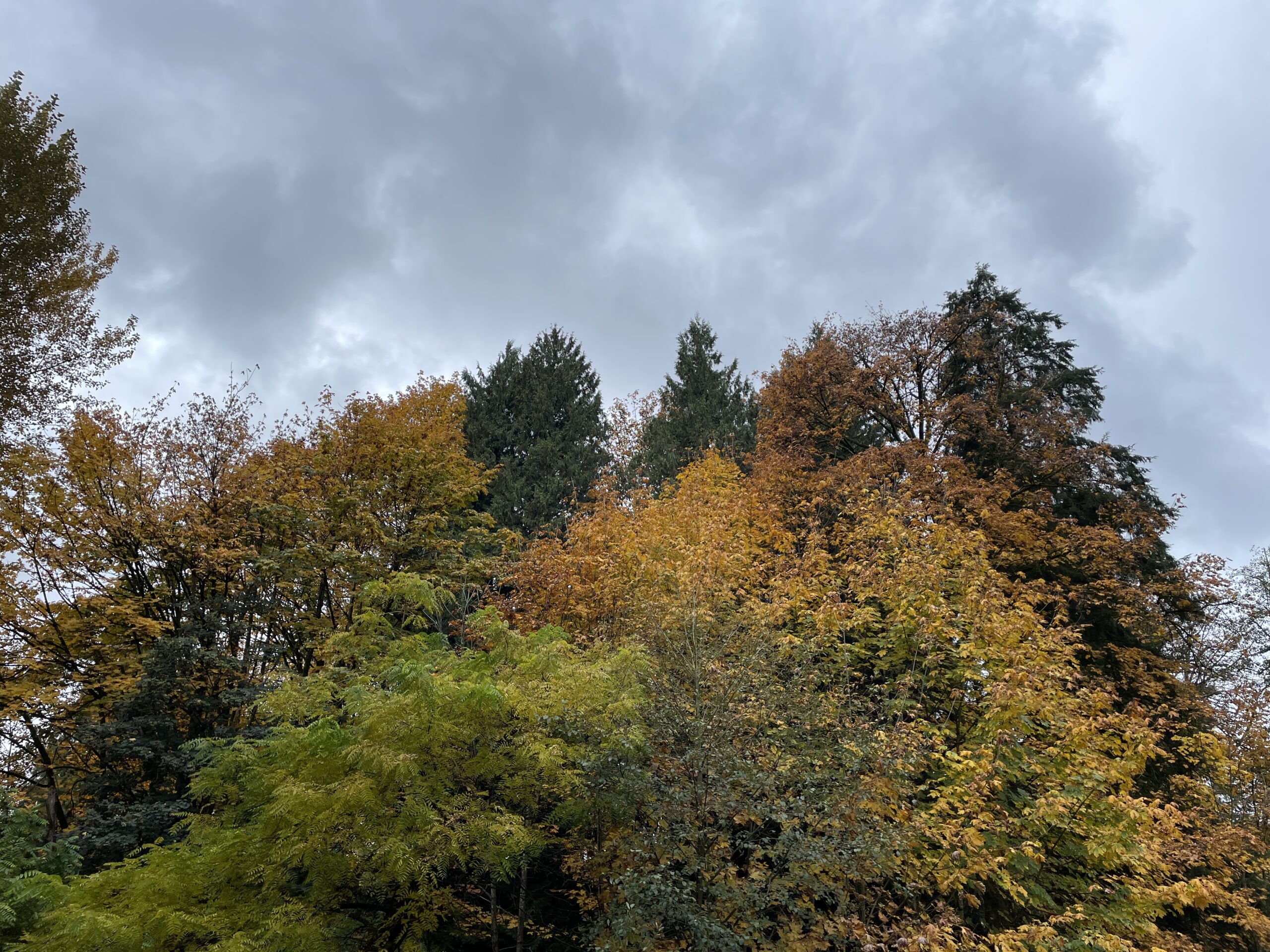
In conclusion: Our meatbag bodies are kind of dumb. Here’s a nice fall photo:

Run 978: Beating the rain, setting a record and a psychic music prediction

View from Cariboo Dam, pre-run. Calm, cool.

A few things:

  • Yes, I beat the rain again. Yay. It’s still not raining yet but if the forecast is accurate, it will start within the hour.
  • I think something is up with either my Garmin watch or me. More below.
  • I set a new 5K record on the Garmin watch. Yay. More below.
  • Psychic music prediction: I was listening to a playlist on shuffle mode. It consists of 53 songs. It was wrapping up “Apparitions” by the Mathew Good Band and I predicted it would play “Sharp-dressed Man” by ZZ Top next–and it did!

I wore two layers, thinking it might be a bit of overkill for the run, but nice to have on the walk there and back. I was correct! And it wasn’t even overkill. There was very little sweating today and, despite minimal wind, it felt chilly in that, “Yep, it’s fall” sort of way.

Other than beating the rain, I had no specific plan going in, but I did have a concern. The HRV status tracked on my watch has plunged from Balanced to Low. In fact, it’s so low it’s almost as far to the left as it can get (which means no exercise/flabby, etc.). I missed two runs last week, but have remained fairly active and did a run Monday per usual, yet it seems to not be budging. Also, even stranger, the watch claims I had an average BPM of 68 on my 4 km walk to the lake before today’s run. This is basically impossible, unless my heart teleported out of my body for about a third of the walk. For reference, my heart rate is usually 110-115 on these walks.

For the run it was 145 BPM, which is low but not implausibly low (I’ve hit 147 on some recent runs), especially with favourable conditions. My performance rating 1 km in was also +7, which is very high, adding further confusion to my training status at the end being listed as “strained.”

In all, it’s disconcerting, but I think it’s more the watch–or Garmin–than me. In fact, this came up when I was checking stats on my phone:

Quite possibly unrelated, but still an interesting coincidence, if nothing else.

Back to today’s run: I decided, somewhat randomly, to start at the 10K marker and skip the side trails, as I would double back the same way post-run. I managed to improve on my pace each km and finished with an average of 5:32/km–and my best 5K since adopting my Garmin Forerunner 255 just under two years ago:

I believe the time is faster than what’s recorded in the stats below because it is capturing the exact 5 km, not the additional 0.04 km before I stop tracking the run. Or something like that. I don’t know how math works.

Right near the end of the run, I usually go straight off the bridge at Still Creek and do the small loop around, but today I had to cut left and stay on the main trail due to construction:

There is no explanation of this work at the Burnaby Lake website.

I’m not sure why they are digging up this strip of trail here, but you can see a new concrete culvert (?) in the shot below, which might be a clue. Alas, this does not seem to be part of a larger project to resurface the trail along the fields, though it badly needs the work.

They have widened this area and added the concrete culvert near the stump for…reasons.

Overall, I felt good, pushed but never felt I was pushing excessively, and put in a very solid mid-week performance, weird glitches and all.

Still Creek, post-run. The creek is looking clearer as fall colours encroach.

Stats:

Run 978
Average pace: 5:32/km

Training status: Strained (?)
Location: Burnaby Lake (CCW)
Start: 11:01 a.m.
Distance: 5.04 km
Time: 27:50
Weather: Cloudy
Temp: 11-12°C
Humidity: 75-73%
Wind: light
BPM: 145
Weight: 165.7 pounds
Total distance to date: 6,720 km
Devices: Garmin Forerunner 255 Music, iPhone 12, AirPods (3rd generation)
Shoes: ASICS Trabuco Terra 2 (315/674/989)

Music: Pop Stuff (playlist, on shuffle)

Pricing out larger tablets in 2025: Yikes.

If you want a “pro” tablet with a display above 11 inches, you are going to pay dearly, especially if you’re using Canadian currency.

The reason I’m checking is that my current iPad, a 12.9″ Pro model from 2020, is now five and a half years old and will eventually stop getting support from Apple. Apart from the battery not lasting as long, the iPad actually still works perfectly fine, so I’m not in a rush to replace it, I’m just preparing for the eventual possibility.

And here are the prices:

Apple 13″ iPad Pro with M5: $1,800 (this doesn’t include the pen(cil), which adds another $170. This is LOL pricing and is over $500 more than what I paid for the 2020 equivalent. Someone’s got to pay for the gaudy gold trinkets Tim Cook is using to curry favour with wannabe dictator Trump. This is also a good reason to never buy Apple again.

Wacom MovinkPad Pro 14: $1,260. This is actually pretty reasonable compared to Apple and even to Wacom itself. Also, it comes with a larger screen, and expandable storage, but no cameras. And you also get Wacom’s industry-best stylus. It runs full Android.

Samsung Galaxy Tab S11 Ultra 14.6″: $1,750. Only $50 less than Apple, but Samsung gives you a larger display, expandable storage and includes the S Pen.

If you go with the low-end tablets, like the base iPad or Galaxy S10 Lite, you get a smaller display around 11″ but only pay around $500. I moved to the larger iPad Pro specifically because I wanted the larger canvas, so these wouldn’t really appeal to me.

Weirdly, this means Wacom is likely to have the eventual replacement for my iPad Pro. By the time I’m in the market it will probably be $1,800.

Run 977: Beating the rain and my 1K record

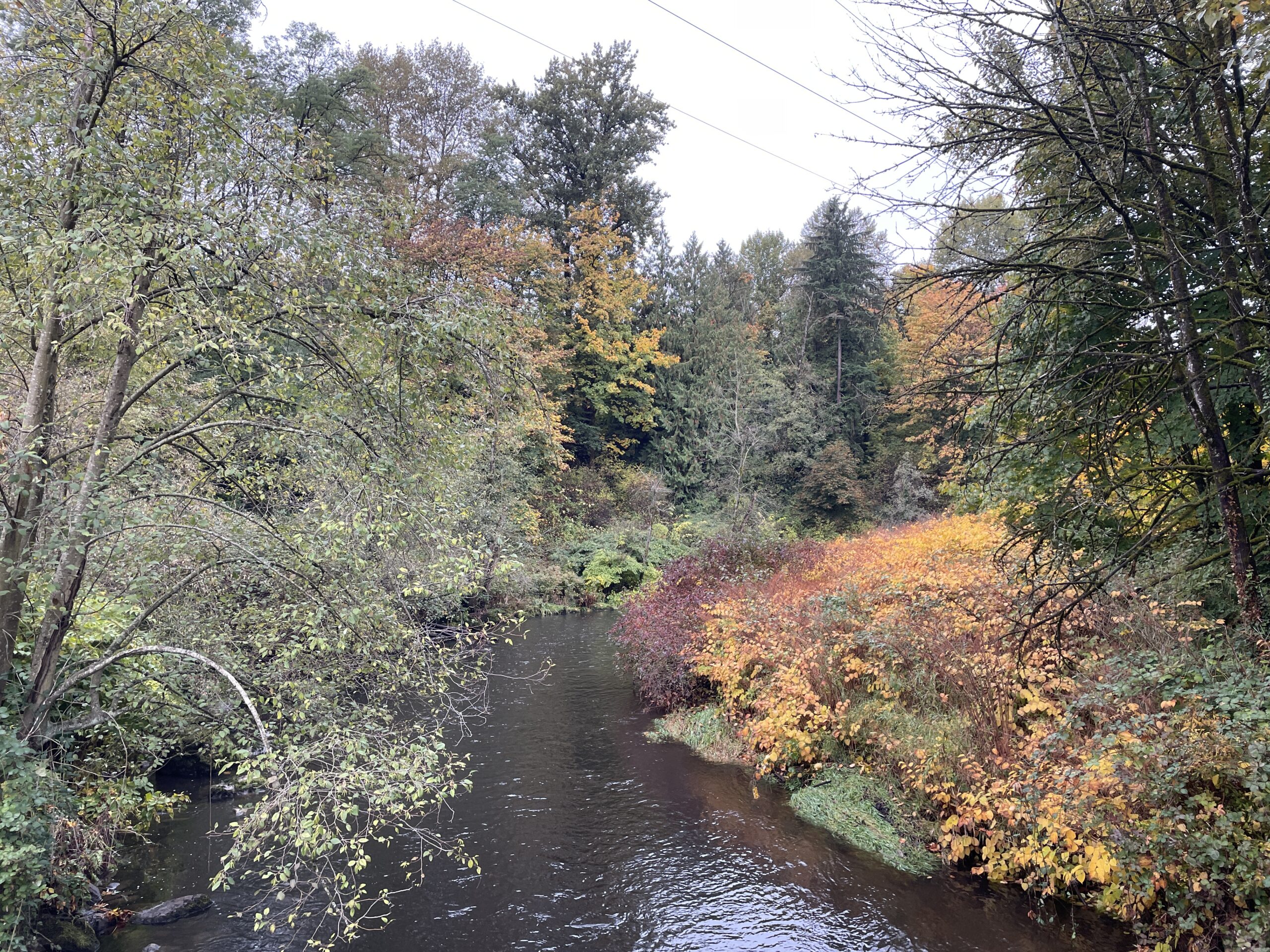
Brunette River, pre-run: The right side is going full Fall.

The first was intentional, the other was a pleasant surprise.

I didn’t have a set plan on where to run this morning, but generally I favour the lake because it’s more exercise and a more interesting location. But the weather app on my phone promised rain by 11 am, so I changed to the river trail. They also said wind gusts up to 19 km/hr.

Neither the rain nor gusts materialized, and I was able to complete the run both without getting wet or blow down by a rogue burst of wind.

Even better, I managed a pace of 5:35/km, matching my Friday pace. My BPM was higher at 152, but I felt I worked a bit harder. It was both cooler at 10°C1Future reference: In Linux, I can make the degree symbol by using Right-Alt + oo and a lot more humid, starting at 93%–which made me think rain was indeed imminent. It is still not raining as I type this, which is pleasant after a few days of The Rains.

There were dogs, but on leash, and a platoon or whatever you call a large group of cyclists, but I managed to stay behind or beside them as they rode by. They were very yellow, as most were wearing rain gear.

As for the fastest 1K, I beat my recently set record of 5:18/km with a pace of…5:17! I shaved a whopping 0.4 seconds off, woo. And this is not an official lap, like going from 1 km to 2 km, it seems to be just tracking the fastest 1 km stretch of the run, because my fastest lap was around 5:19/km.

In all, a good start to the week: fast, dry, a new record, and no issues!

The river, post-run, with some foliage especially eager to put on its fall colours.
Run 977
Average pace: 5:35/km

Training status: Productive
Location: Brunette River Trail
Start: 10:18 a.m.
Distance: 5.03 km
Time: 28:06
Weather: Cloudy
Temp: 10°C
Humidity: 93-91%
Wind: light
BPM: 152
Weight: 165.3 pounds
Total distance to date: 6,715 km
Devices: Garmin Forerunner 255 Music, iPhone 12, AirPods (3rd generation)
Shoes: ASICS Trabuco Terra 2 (310/662/972)

Music: Pop Stuff (playlist, on shuffle)

Engadget: At least we’re not using AI (are we?)

A story in Engadget:

A new retro console! An Intellivision console, just like I had as a surly teen! It’s called the Intellivision Spirit.

But wait, there’s a YouTube link in the same article…

This seems to suggest the name is Sprint, not Spirit. And yes, it is the Intellivision Sprint, not Spirit1Bonus: How does a carpet get “cigarette-soaked”, exactly? And were the kids playing Intellivision back in 1982 chain smokers or something?.

The story was posted two days ago (as of this post I’m writing) and this curiously obvious gaffe has not been corrected. The first (of two) comments also points out the error.

But hey, it’s just a sloppily rewritten press release, rather than AI slop, so I guess we should be thankful for that.